
Loading…
Loading…
In this lesson, students will learn the fundamental principles of online safety and digital identity and demonstrate how they can be safe in digital spaces. Students will learn healthy digital habits and how to play an active role in their learning. Students will exercise critical thinking to make responsible and safe decisions on the Internet. As an instrumental part of this experience, trusted adults will be embedded into gameplay. Students should always feel confident to engage with trusted adults for help.

Welcome to this Minecraft: Education Edition lesson! Before you begin, take a few moments to let us know your thoughts or feedback on how we can improve this lesson in order to better enhance the learning experience that is delivered in your classroom!
Click here or follow the form below to complete the feedback survey once you've completed this lesson. Thank you!
Click and watch this teacher preparation video to help you understand how to teach this lesson. Here is a YouTube link of the teacher video for your reference: https://youtu.be/JMQv3BwR9vQ
Start Here: Teacher Preparation Video
Understand the importance and benefits of the Internet in our everyday lives.
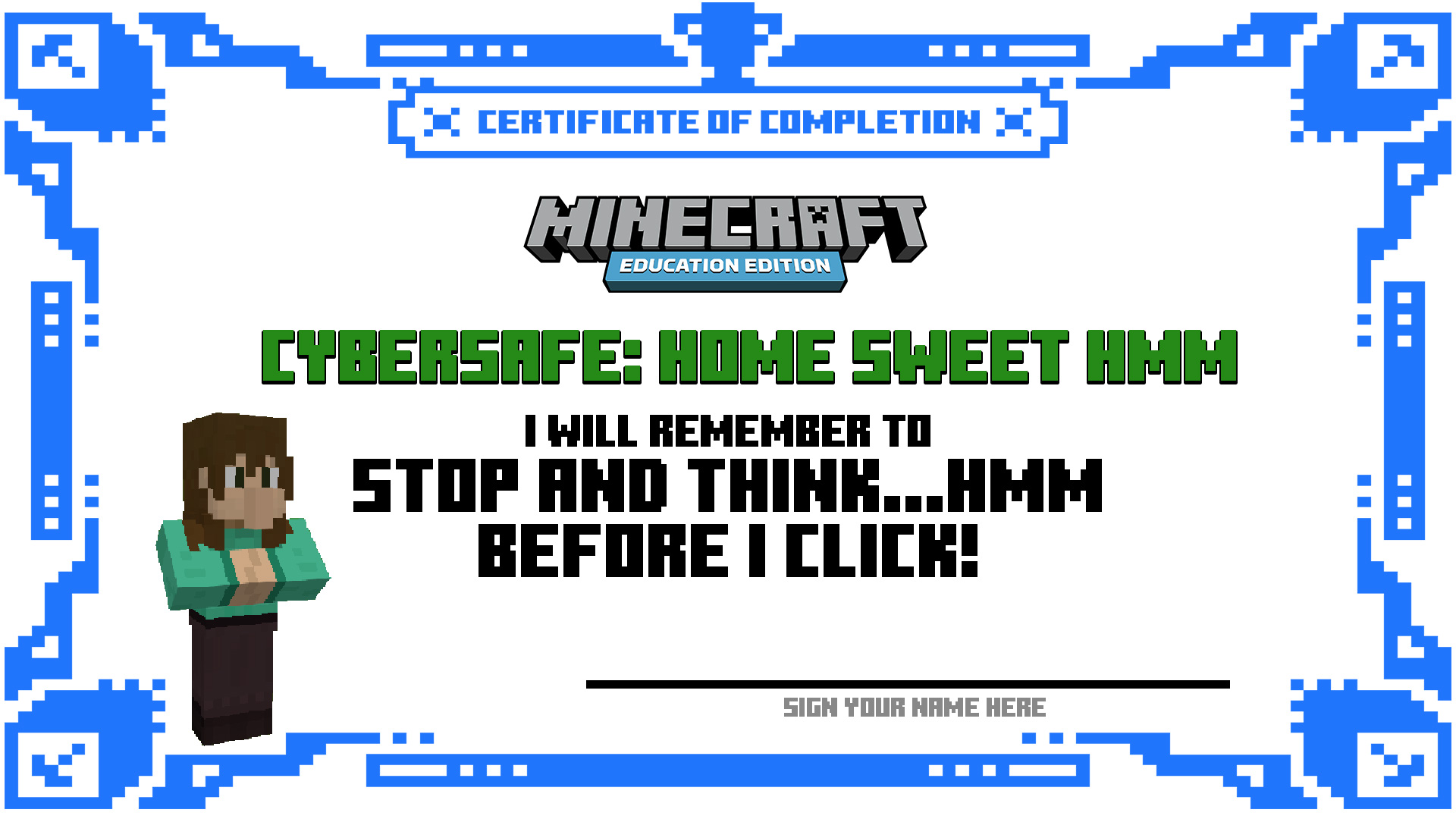
Identify and avoid common cybersecurity risks by remembering, “STOP and THINK before you CLICK.”
Build awareness to ensure the privacy of personal information.
Advocate for help from trusted adults if you are unsure or uncomfortable.
Build awareness with families about their role in making a safer internet.
Citizenship
Communication
Critical Thinking
Gaming is a fun and enjoyable experience. It should also be a part of a balanced life. Our digital life should be a place where everyone can play responsibly within the boundaries they set, free from fear and intimidation. Learning to manage screen time, social interactions, online spending, and digital citizenship are key components of being safe at home.
CyberSafe: Home Sweet Hmm has been designed as a fun and creative tutorial introduction to cybersecurity. This one-hour experience will provide students, ages 7-12, with fundamental principles of online safety and digital identity and demonstrate how they can be safe in digital spaces. Students need to learn healthy digital habits and we want to provide them with an active role in their learning.
Students will exercise critical thinking to make responsible and safe decisions on the Internet. As an instrumental part of this experience, trusted adults will be embedded into gameplay. Students should always feel confident to engage with trusted adults for help.
As part of the Safer Internet Day 2022 campaign, Xbox and Minecraft: Education Edition supports the goal to not only create a safer internet, but also a better Internet, where everyone is empowered to use technology responsibly, respectfully, critically, and creatively.
Playing online with others can be a lot of fun, but sometimes you can interact with players that are not so nice… In this activity, students will learn the importance of verifying the identities of known friends, the cautionary tale of accepting unknown/wrong friend requests, and what they can do about it!
In this activity, students will be challenged with completing a difficult maze, however, ProGamer NPC is offering them cheat codes if they provide their password. Students will learn the importance of keeping their personal information safe as it can have some serious consequences if they do not keep their information secure!
Ordering things online is a common and frequent occurrence for many people. However, financial and banking information can also be compromised during purchases if you are not careful! In this activity, students will receive an email message about their recent order. The email will request their account information to “fix a shipping issue”. Students will learn about the dangers of phishing schemes (i.e., when a person pretends to be part of a real company to steal your account information).
When we are shopping online, search engines can help us identify companies on the web! However, did you know that many times companies can pay for their company’s listing to be placed at the top of the search?! In this activity, students will learn the importance of finding and verifying credibility in sources and not simply always believing everything they see or read on the Internet.
What was your favourite activity of CyberSafe?
Name one positive thing about the Internet.
Name one risk that can happen on the Internet.
How can you stay safer on the Internet?
Why is it important to protect your personal information?
Review the resources attached along with the Minecraft world to get started.
Check out the Tips & Tricks video playlist that will help you and your students better use Minecraft: Education Edition in the classroom:
https://youtube.com/playlist?list=PLkh9rrdH-ARER03ojhFYtmoFDVuACYJLa
More videos added periodically so make sure you check often for more content!
Click and watch the student pause and play video with your class, pausing and playing as needed. This will help your students understand how to navigate through this lesson and Minecraft world and complete the activities located within them. Enjoy!
Check out the YouTube link for your reference: https://youtu.be/3DYZXGk2Hxw
Student 'Pause & Play' Video