
Loading…
Loading…
In this lesson, students will learn where their phone, game console, or latest app came from. Students will also learn how computing in the past evolve into what we experience today and how they can make and use tech to change the world for the better.
Welcome to this Minecraft: Education Edition lesson! Before you begin, take a few moments to let us know your thoughts or feedback on how we can improve this lesson in order to better enhance the learning experience that is delivered in your classroom!
Click here or follow the form below to complete the feedback survey once you've completed this lesson. Thank you!
Click and watch this teacher preparation video to help you understand how to teach this lesson. Here is a YouTube link of the teacher video for your reference: https://youtu.be/N5GM_2HyiXY
Great Tech Story (Teacher Video) Logics Academy (720p, h264, youtube)
Explore the evolution of technology—where it came from and how it’s used today.
Learn and think about the impact of technology on real people and the world.
Explore and understand the engineering design process and how a prototype becomes a product.
Learn to think critically about issues of transparency, privacy, access, intentions, and diversity when building and using technology.
Understand basic concepts behind how hardware and software work.
Citizenship
Collaboration
Creativity
Critical thinking
Project Based Learning
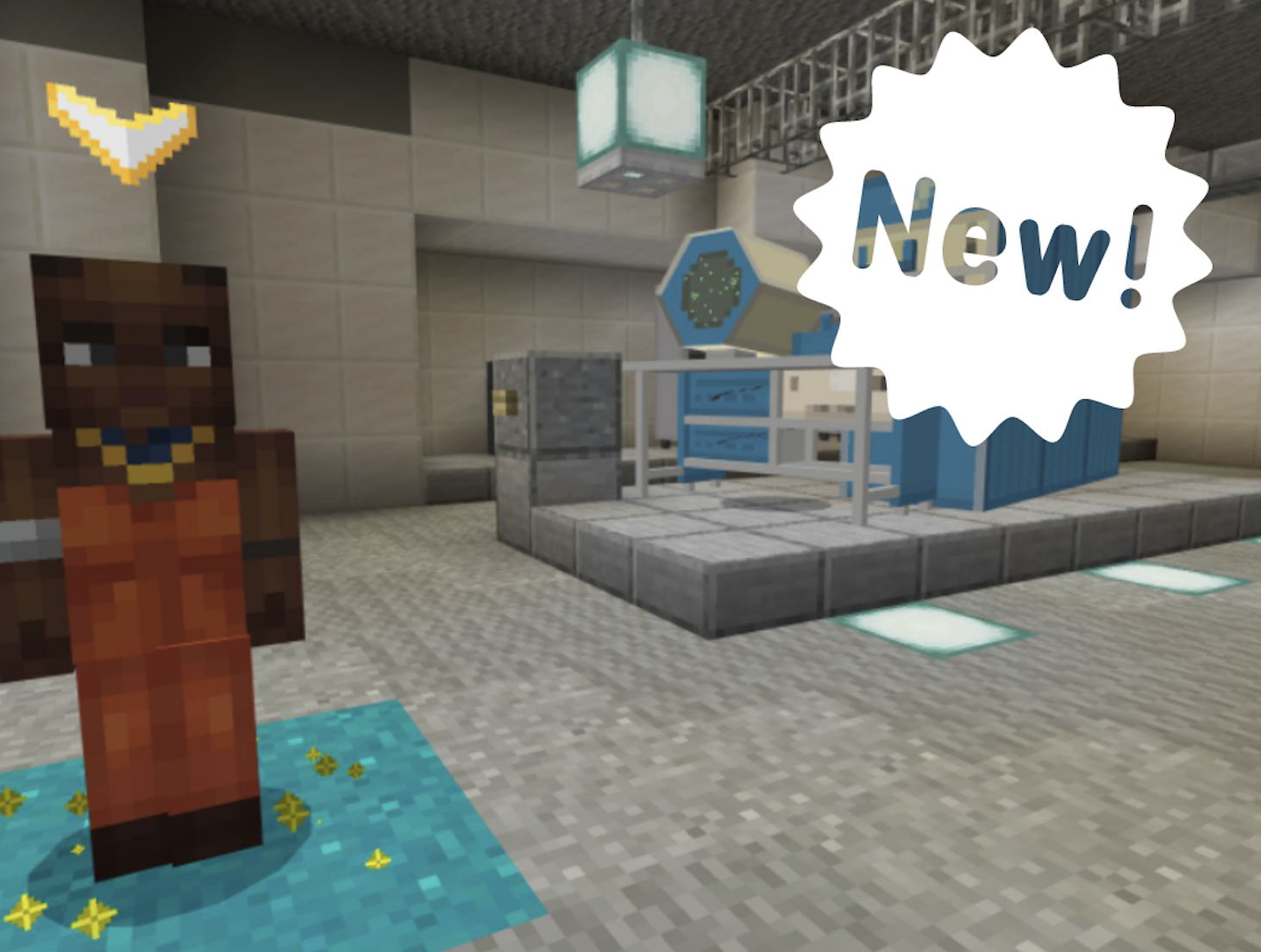
The Great Tech Story, the Computer History Museum’s world in Minecraft: Education Edition, empowers students from ages 8–18 to become engaged digital citizens. They will be inspired to make and use technology that impacts the world for the better. Students navigate the virtual museum to learn about the impact of computing technology and its relationship between the past, present, and future. They can explore the artifacts on display and interact with non-player characters (NPCs) and click links to “Learn more.”
Five of the NPCs invite students to teleport themselves to immersive experiences to learn hardware and software concepts, meet a startup team, debate ethics in tech, and see how technology is used in daily life.
After completing the five experiences, students engage in a build challenge that focuses on collaboration, critical thinking, and creativity, to build their capacity as active problem solvers and future innovators.
Build challenges are available on our website. Check back over time for new build challenges.
Students navigate through a virtual museum exhibit on the history of computing to understand how we got to where we are today.
Students discover important artifacts and innovators.
Students will be introduced to non-player characters (NPCs) in the museum exhibits who explain breakthroughs and innovations.
NPCs teleport students to immersive experiences with activities that teach hardware and software concepts.
Other immersive experiences include meeting a startup team, debating ethics in tech, and reflecting on how tech is used in daily life.
Build challenges inspire students to apply what they’ve learned about computing history and incorporate core concepts of collaboration, critical thinking, and creativity.
Students will be empowered to become active, capable problem solvers, digital citizens, and future tech innovators.
Explore computing concepts and issues related to designing and using technology through five experiences.
1. Hardware demonstrations and interactivity:
- Relays and switches
- “AND” gates and “OR” gates
- Moore’s Law
2. Software interactives:
- Programming
- Branching
- Computer language
- Compiling code
3. Observe a debate about ethics in tech.
4. Meet a startup team and learn about the engineering design process.
5. See how a family uses tech in daily life.
Choose to “Learn more!” about artifacts and people in the museum, engage with engineers demonstrating a self-driving car, and take a selfie with a crash test dummy.
Enter “Explore mode” to continue to browse in the museum after completing the five learning experiences.
Apply knowledge and skills to complete a build challenge. Check our website for new build challenges!
After exploring the museum and completing the five learning experiences, students will be able to:
Demonstrate an understanding of how computing evolved into the technology we use today.
Describe ways in which technology has had an impact on people and the world.
Understand and describe the engineering design process and how a prototype becomes a product.
Explain why it is important to consider issues of transparency, privacy, access, intentions, and diversity when building and using technology.
Demonstrate an understanding of hardware and software concepts.
Apply knowledge and skills gained exploring the museum and learning experiences to complete a build challenge.
Check out the Tips & Tricks video playlist that will help you and your students better use Minecraft: Education Edition in the classroom:
https://youtube.com/playlist?list=PLkh9rrdH-ARER03ojhFYtmoFDVuACYJLa
More videos added periodically so make sure you check often for more content!
Great Tech Story (Student Video) Logics Academy (720p, h264, youtube)
Developing a Science and Technology Emphasis
Technological problems often lend themselves to multiple solutions, involving different designs, materials, and processes.
Evaluate designs and prototypes in terms of function, reliability, safety, efficient use of materials and impact on the environment
Decisions regarding scientific and technological development involve a variety of considerations, including social, environmental, ethical, and economic considerations.
Identify needs and opportunities for designing, through exploration
Generate ideas from their experiences and interests
Add to others’ ideas
Choose an idea to pursue.
Making
Choose tools and materials
Make a product using known procedures or through modelling of others
Use trial and error to make changes, solve problems, or incorporate new ideas from self or others
Sharing
Decide on how and with whom to share their product
Demonstrate their product, tell the story of designing and making their product, and explain how their product contributes to the individual, family, community, and/or environment
Use personal preferences to evaluate the success of their design solutions
Reflect on their ability to work effectively both as individuals and collaboratively in a group
Use materials, tools, and technologies in a safe manner in both physical and digital environments
Develop their skills and add new ones through play and collaborative work
Explore the use of simple, available tools and technologies to extend their capabilities
Curricular Competencies
Develop mental math strategies and abilities to make sense of quantities
Use technology to explore mathematics
Understanding and solving
Develop, demonstrate, and apply mathematical understanding through play, inquiry, and problem solving
Content
Students are expected to know the following:
Select, and as needed learn about, appropriate tools and technologies to extend their capability to complete a task
Identify the personal, social, and environmental impacts, including unintended negative consequences, of the choices they make about technology use
Evolution of programming languages
Emphasize with potential users to find issues and uncover needs and potential design opportunities
Identify the personal, social, and environmental impacts, including unintended negative consequences, of the choices they make about technology use
Use appropriate vocabulary related to their investigations of forces and structures.
Recognize that internal and external forces apply stress to structures and describe examples in which this stress has led to structural fatigue or structural failure.
Energy, Engineering, and Innovation - 2020 Revised Curriculum
Skills:
Construct - Identify a purpose; brainstorm ideas; gather and select information to support a plan; identify and choose options within the plan; offer reasons to support choices; build a model; test and revise, modify as necessary; evaluate the results at each stage of the process; consider alternative options.
Evaluate - Review processes and results from an inquiry; Consider and communicate varying perspectives and alternative solutions or findings; Identify potential new problems and/or issues; Justify decisions and/or findings.
Plan - Formulate-Identify a topic of interest; brainstorm ideas; choose, prioritize, and refine ideas; evaluate choices. Devise a process to solve the problem. Execute the steps, modifying as necessary
Analyze - Gather and select appropriate information; determine accuracy, validity, and relevance of the information; identify perspectives; communicate findings.
Investigate - Ask and revise questions; locate several relevant and dependable details to support an answer; organize and compare details; identify relationships, recognize represented perspectives, and communicate findings.
Technology Education
The Design Activity constitutes the major activity of the Grade 7 and 8 Communications Technology Module
Typical activities/processes include:
Usage and maintenance of design portfolios
Application of the design process to production of communications products
Identification of useful problems, and problems which students are capable of solving
Identification of resources, including tools and materials
Investigation and research of possible solutions to communications design problems
Identification of possible solutions to communications design problems
Selection of the most appropriate solution to an identified communications problem Development of the solution through the construction of the communications product
Evaluation and/or testing of the communications product, the solution.
Presentation of a report on the design problem, the process, and the solution
Relationship building to other subject areas • Participation in design teams
Energy, Engineering, and Innovation - 2020 Revised Curriculum
Skills:
Construct - Identify a purpose; brainstorm ideas; gather and select information to support a plan; identify and choose options within the plan; offer reasons to support choices; build a model; test and revise, modify as necessary; evaluate the results at each stage of the process; consider alternative options.
Evaluate - Review processes and results from an inquiry; Consider and communicate varying perspectives and alternative solutions or findings; Identify potential new problems and/or issues; Justify decisions and/or findings.
Plan - Formulate-Identify a topic of interest; brainstorm ideas; choose, prioritize, and refine ideas; evaluate choices. Devise a process to solve the problem. Execute the steps, modifying as necessary
Analyze - Gather and select appropriate information; determine accuracy, validity, and relevance of the information; identify perspectives; communicate findings.
Investigate - Ask and revise questions; locate several relevant and dependable details to support an answer; organize and compare details; identify relationships, recognize represented perspectives, and communicate findings.
Science and Technology – Systems and Interaction
Identifies and needs that an object was originally designed to meet
Technological Problem Solving [TPS]
The essence of the technological problem-solving learning context is that students seek answers to practical problems. This process is based on addressing human and social needs and is typically addressed through an iterative design-action process that involves steps such as:
Identifying a problem
Identifying constraints and sources of support
Identifying alternative possible solutions and selecting one on which to work
Planning and building a prototype or a plan of action to resolve the problem
Testing and evaluating the prototype or plan.
By participating in a variety of technological and environmental problem-solving activities, students develop capacities to analyze and resolve authentic problems in the natural and constructed world.
D1.1 – Form, Function, and Design of Structures
evaluate the impact of the ergonomic design of various tools, objects, and work spaces on a user’s health, safety, and ability to work efficiently, and use this information to describe changes that could be made in their own spaces and activities
Design Process from Grade 7 and 8 Science Curriculum
1) Identify the Problem: Describe the challenge to be solved, including limits and constraints.
2) Explore: Do background research to collect information. What have others done? Visit the library. Use computer databases. Ask questions.
3) Brainstorm: What are some solutions?
4) Design: Use your knowledge and creativity to come up with many solutions. Choose one idea and draw or make a model of it.
5) Create: Make your solution. Construct your prototype.
6) Try It Out: Test your solution.
7) Improve: Evaluate how the solution worked and think of how to modify or improve your design to make it better.
8) Communicate: Share your results. This may be presented in many forms, such as a poster, drawing, prototype, presentation, or report.