
Loading…
Loading…
In this lesson, students are introduced to the while loop in Python through another classic probability experiment. Students will explore how to calculate the probability of guessing a selected number from a list of random integers by using the while loop. To maximize the probability of guessing the correct number, students will address the uniform distribution problems and use the computational model to decrease the probability distribution.
In this lesson, students are introduced to the while loop in Python through another classic probability experiment. Students will explore how to calculate the probability of guessing a selected number from a list of random integers by using the while loop. To maximize the probability of guessing the correct number, students will address the uniform distribution problems and use the computational model to decrease the probability distribution.
Use the mBlock Python editor interface
Implementing while loops in Python Boolean data types and values and how they are used inside conditional statements
Welcome to this Python Coding lesson! Before you begin, take a few moments to let us know your thoughts or feedback on how we can improve this lesson in order to better enhance the learning experience that is delivered in your classroom!
Click here or follow the form below to complete the feedback survey once you've completed this lesson. Thank you!
In this lesson, students will explore the coin tossing probabilities.
Students will create a computational model to simulate a coin-tossing experiment to calculate the chance of the coin landing on heads or tails.
To model the true randomness of tossing a coin in the virtual environment, students need to create a list of random binary digits, 0 and 1.
Students also need to combine the conditional statements and for loops to conduct the random experiment.
Students should have a laptop or device with mBlock 5 installed (desktop version or cloud-based version) and mBlock Python editor (mLink) installed. Click here to download the Python editor (mLink)
Worksheet: Lesson 7 Toss a Coin
Example Program: Lesson 7 Toss a Coin
1. Let's begin by familiarizing ourselves with the key points of this lesson:
Import the random module in Python by using ‘import random’
Create the random binary digits 0 and 1
Use comparison operators to represent the status of ‘heads’ and ‘tails’
Combine the if…else… statement and the for loop
Calculate the probability of coin tosses through computational modelling
2. What is probability?
Probability is how likely something is to happen
The probability of a set of outcomes is written as percentages between 0% and 100%, or fractions or decimals between 0 and 1.
If you toss the coin 1 time, the probability to get either a head or a tail is 50%.
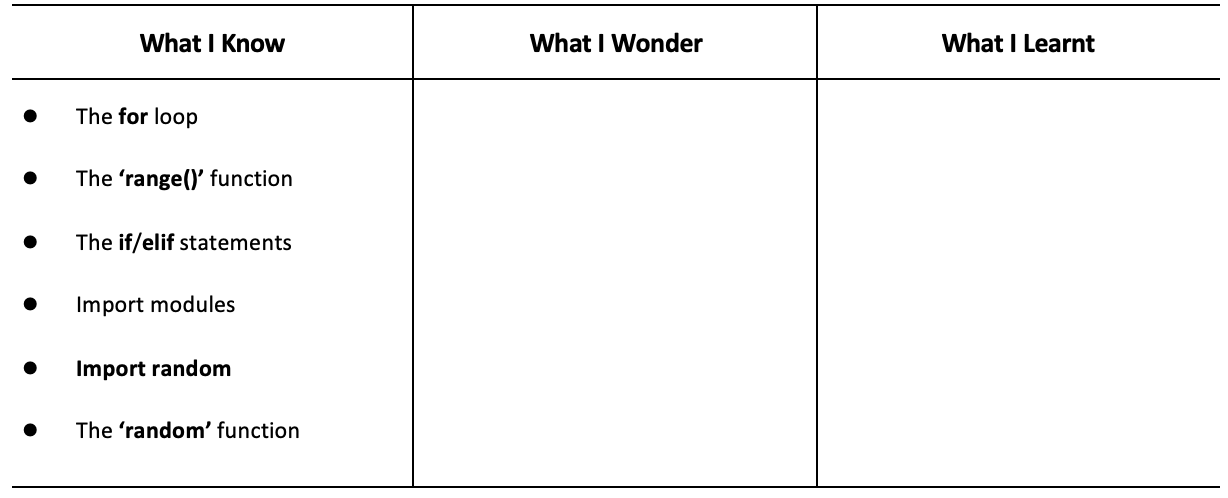
3. Have students fill out the ‘What I Know’ column of the K-W-L chart before the class
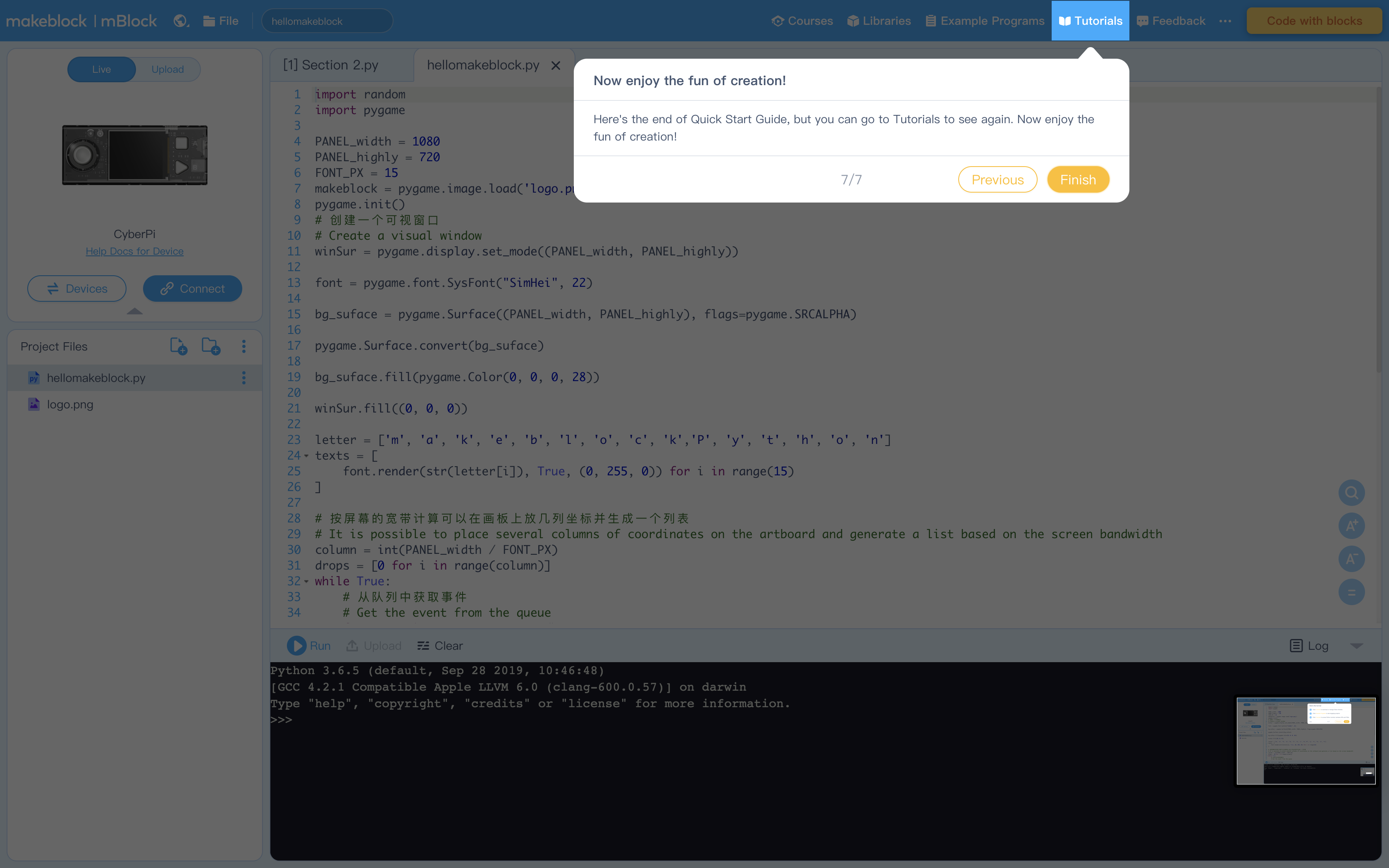
1. When you open the editor for the first time you will see these explanations mapping the interface. Encourage students to thoroughly read through it. Below are the screen captures if you ever need to reference them again.
Figure 1: To connect your CyperPi
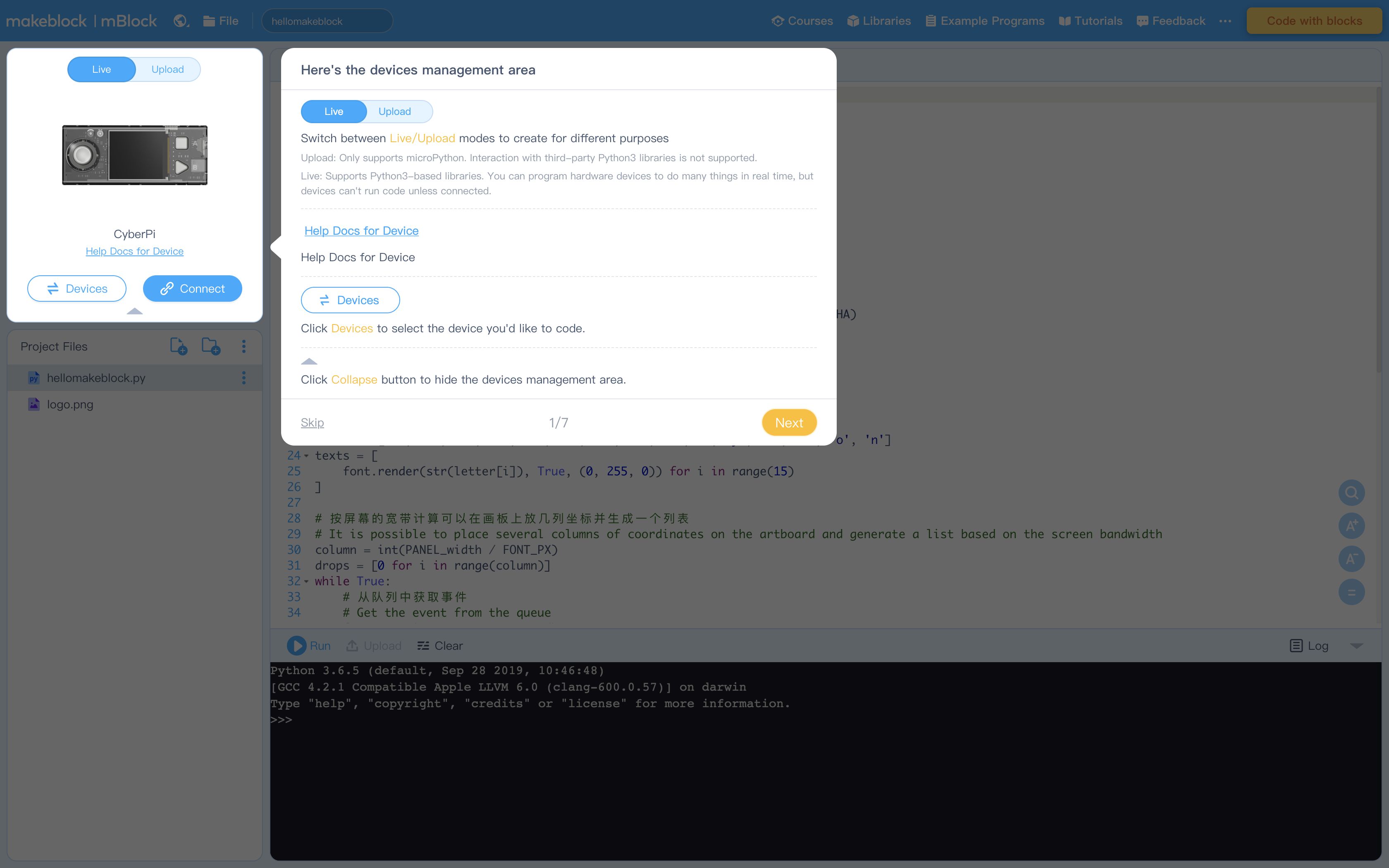
Figure 2: Creating Projects and Project files (see How to Create, Open, Import, or Export Project Files)
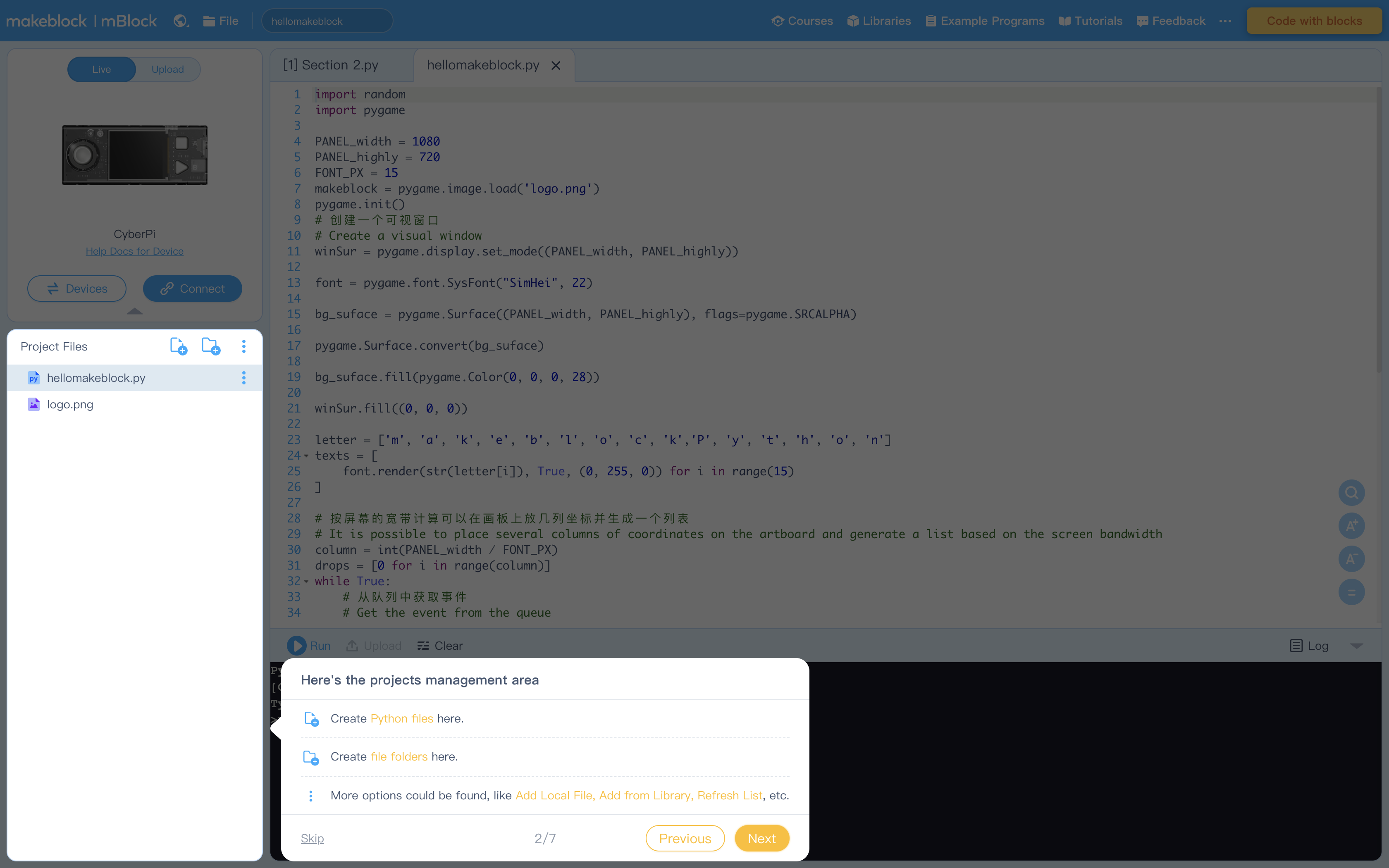
Figure 3: Editing Area
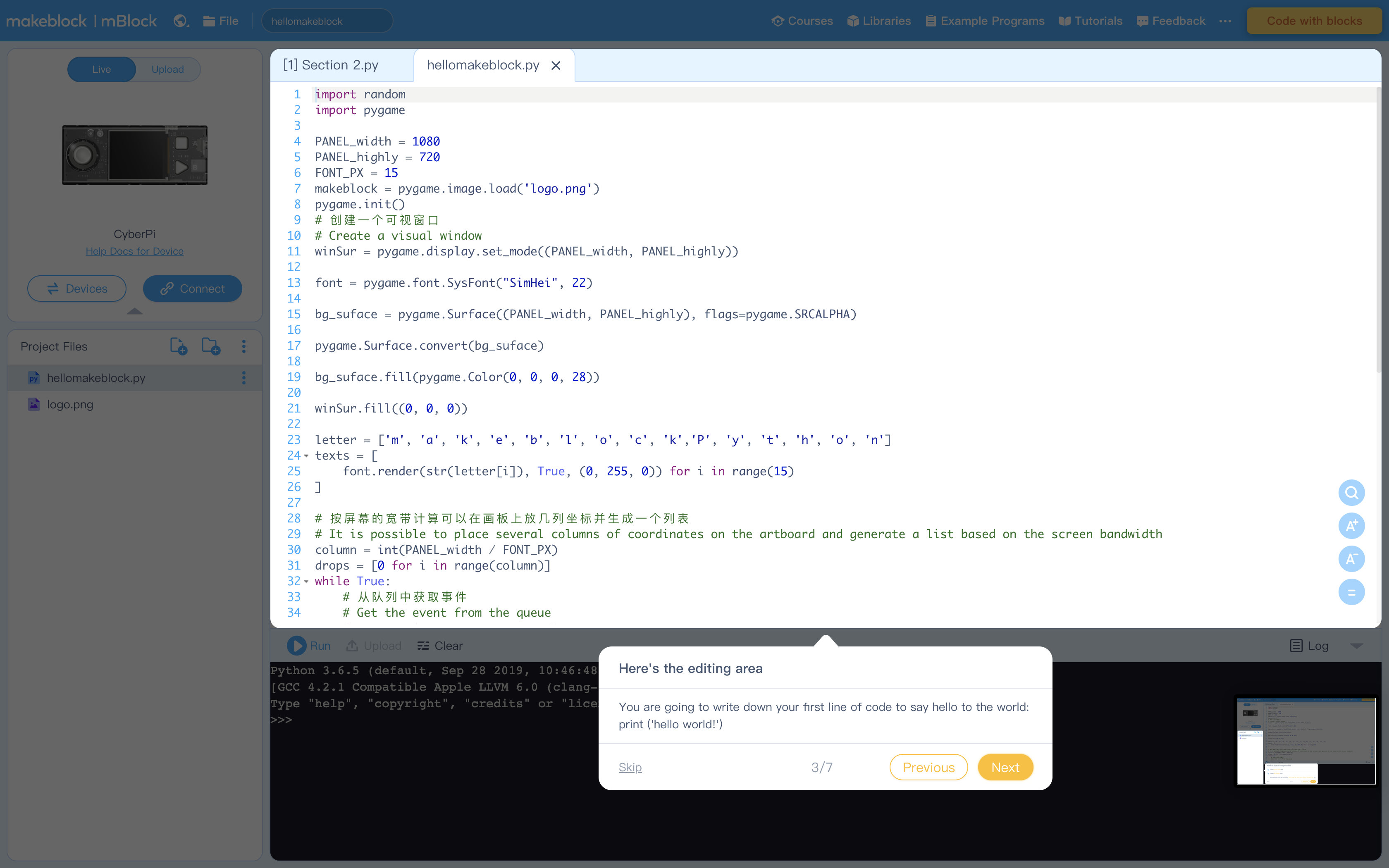
Figure 4: Console Commands to run code and more
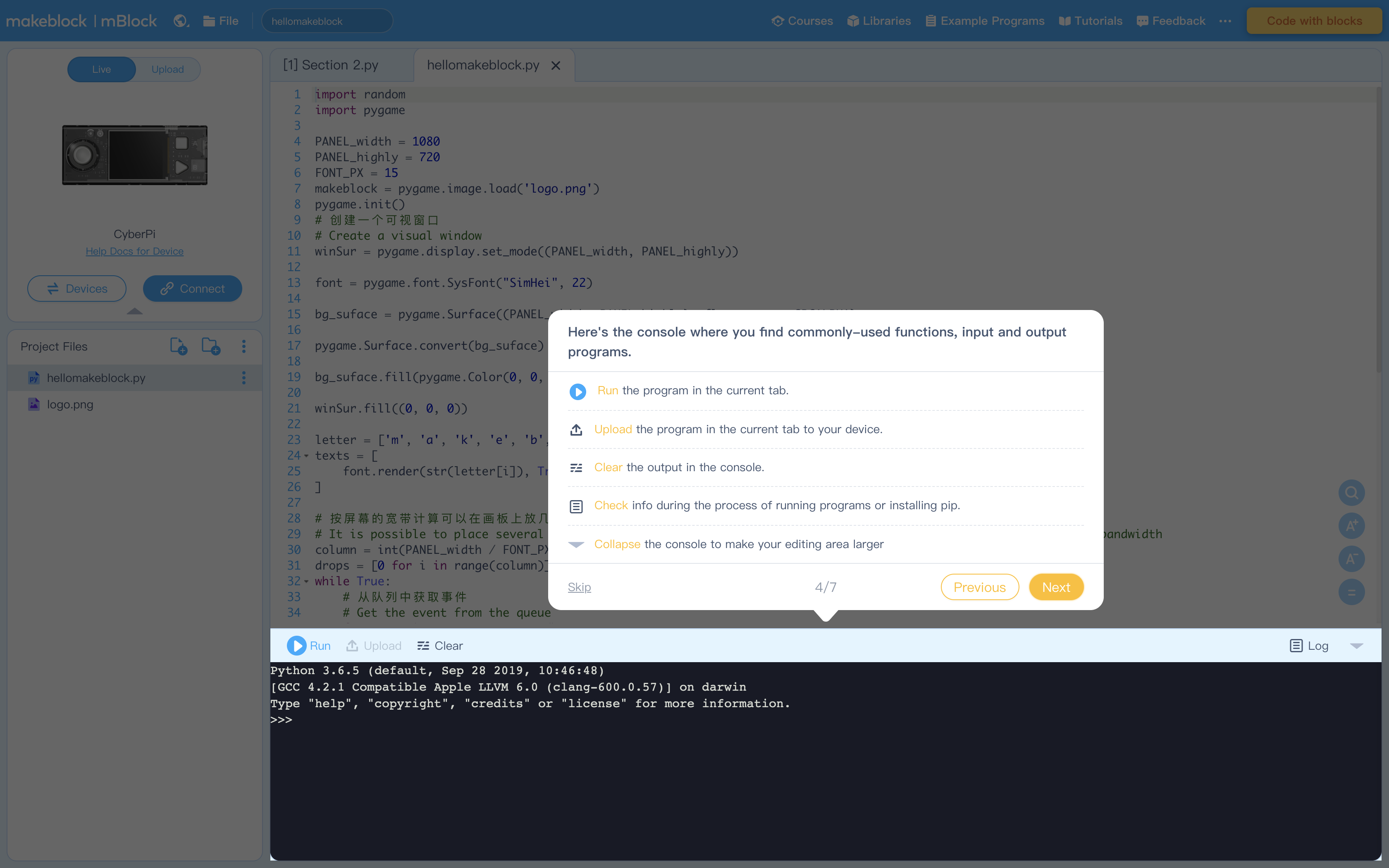
Figure 5: Terminal (Console) to display output from Editing Area
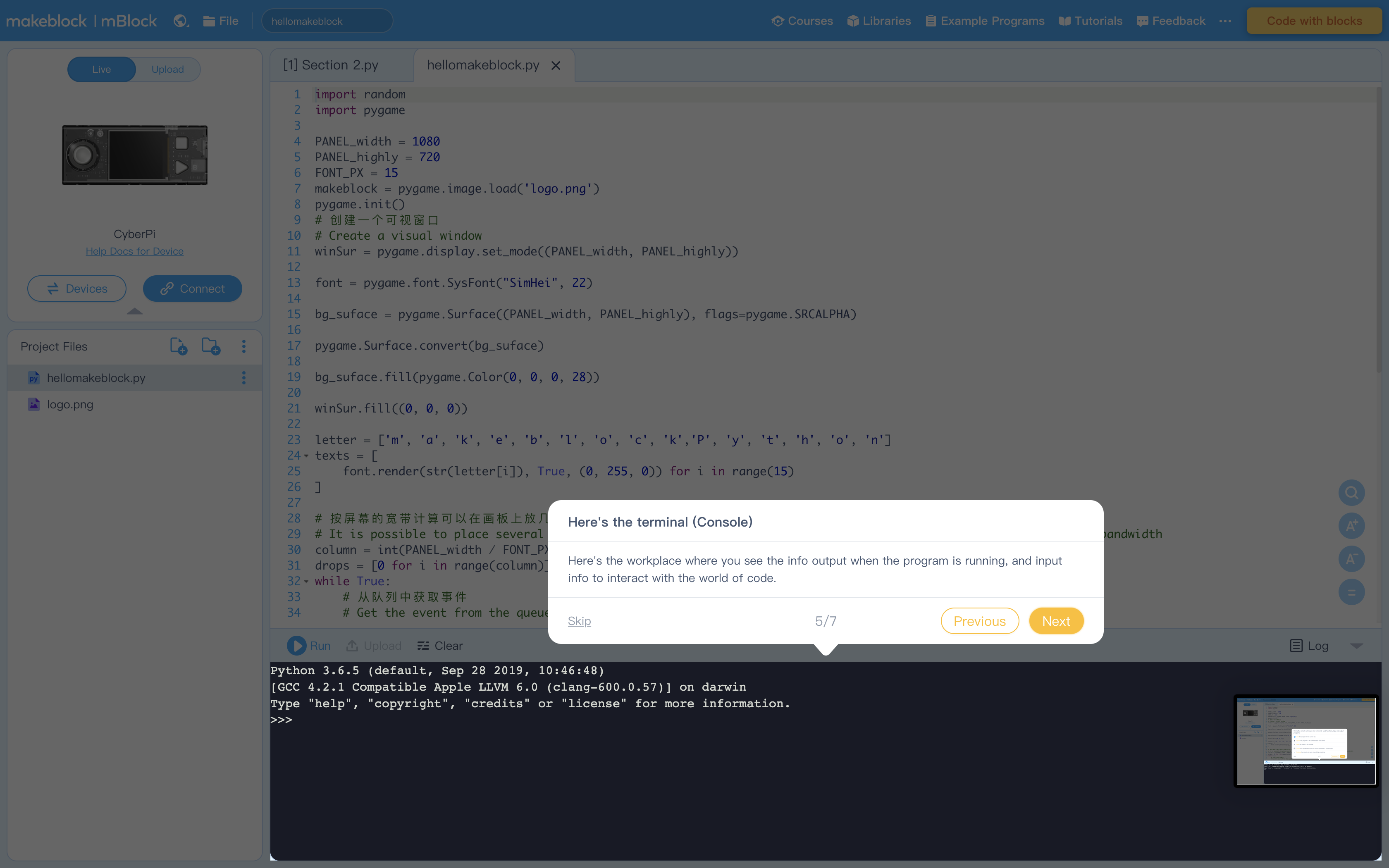
Figure 6: Libraries containing example program. Feel free to explore these at your leisure
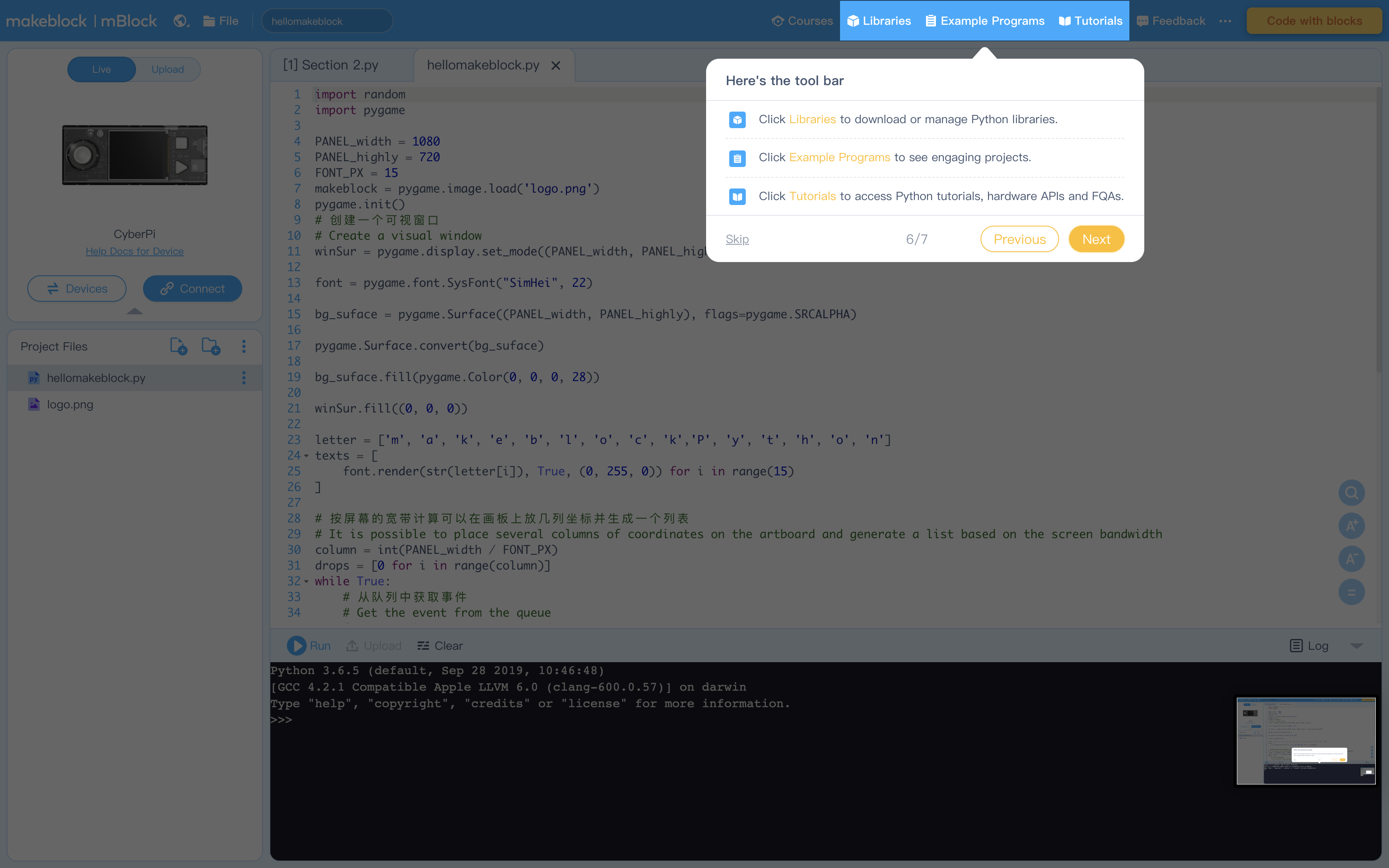
Figure 7: Click "Tutorials" to view these helpful instructions anytime
Instruct students to calculate the coin toss probabilities by doing a simple experiment.
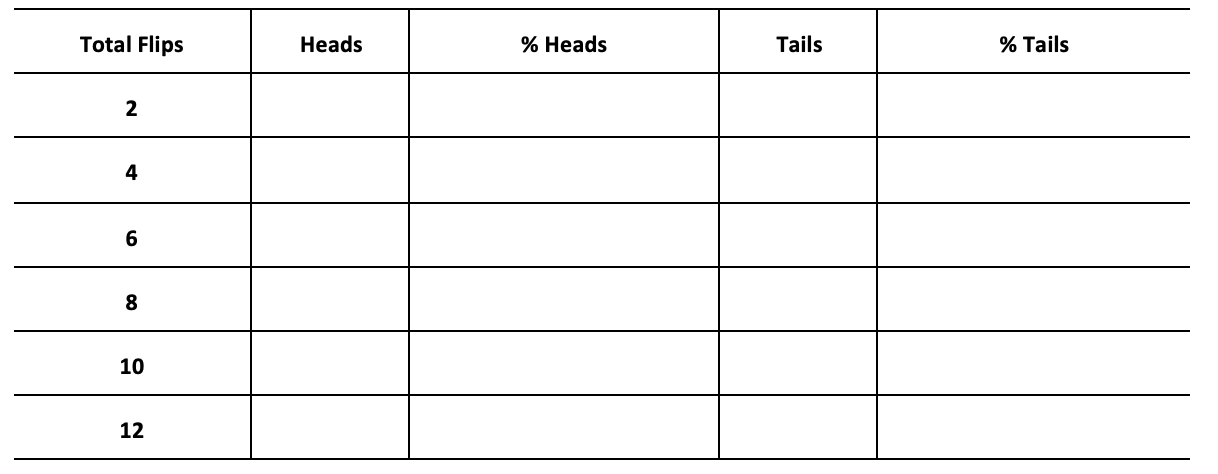
Ask: What is the probabilities of a coin toss. Use a coin to do an experiment and record the outcomes.
Instruct students to record the 2, 4, 6, 8, 10, 12 tosses of the coin. Write down the results in the worksheet and then calculate the probabilities.
Ask: Suppose we want to toss the coin 1,000 times to calculate the probability, how can we experiment and do the calculation more effectively and accurately?
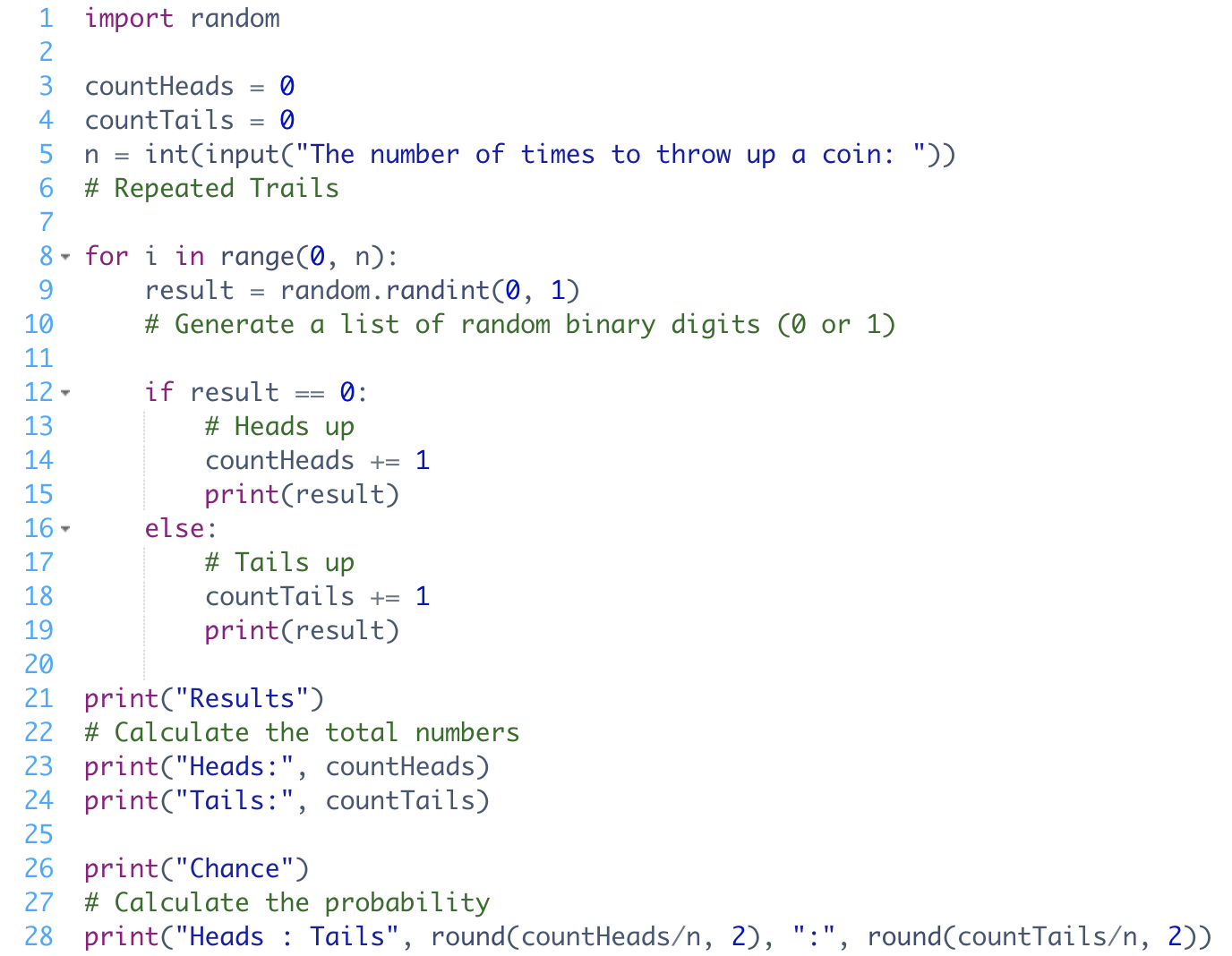
1. Have students read "Activity 1" in the example program
2. Ask students to think about the questions below:
How does the program represent the results of heads and tails?
How does the program count the number of heads or tails?
What are the two variables being used and what functionality are they serving?
Explain the use of the if…else statement and the for loop in this program.
3. Ask students to run the example program and check against their predictions
4. Review the following concepts with students:
Review the use of the ‘random’ module.
Say: In Buy Low, Sell High (Lesson 5), we learnt how to generate a range of random integers. The example program of this lesson also uses the random module.
Ask: What is the difference in the use of the ‘random()’ function
Explain the comparison operator ‘==’: The program evaluates whether the digit number is 0 or 1 to identify the result of the toss.
It needs to use comparison operators to compare a random number with the number 0 or 1 that represents the result of heads or tails. The value on which an operator operates is called an operand. In the example program, the statement ‘result == 0’ means both operands are equal, i.e., the random number equal to 0.
Explain the assignment operator ‘+=’: We have already known how to assign a value to a variable by using the equals sign (‘=’). If we want to add 1 to the variable, we can write the code like this: x = x + 1 which is the same as x+=1
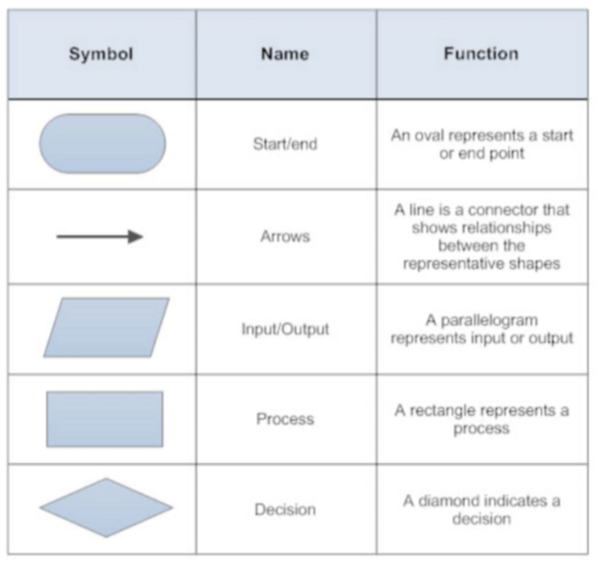
5. Ask students to explain the program and draw a flowchart. The same as previous lessons, students should use the proper shapes when constructing their flowcharts.
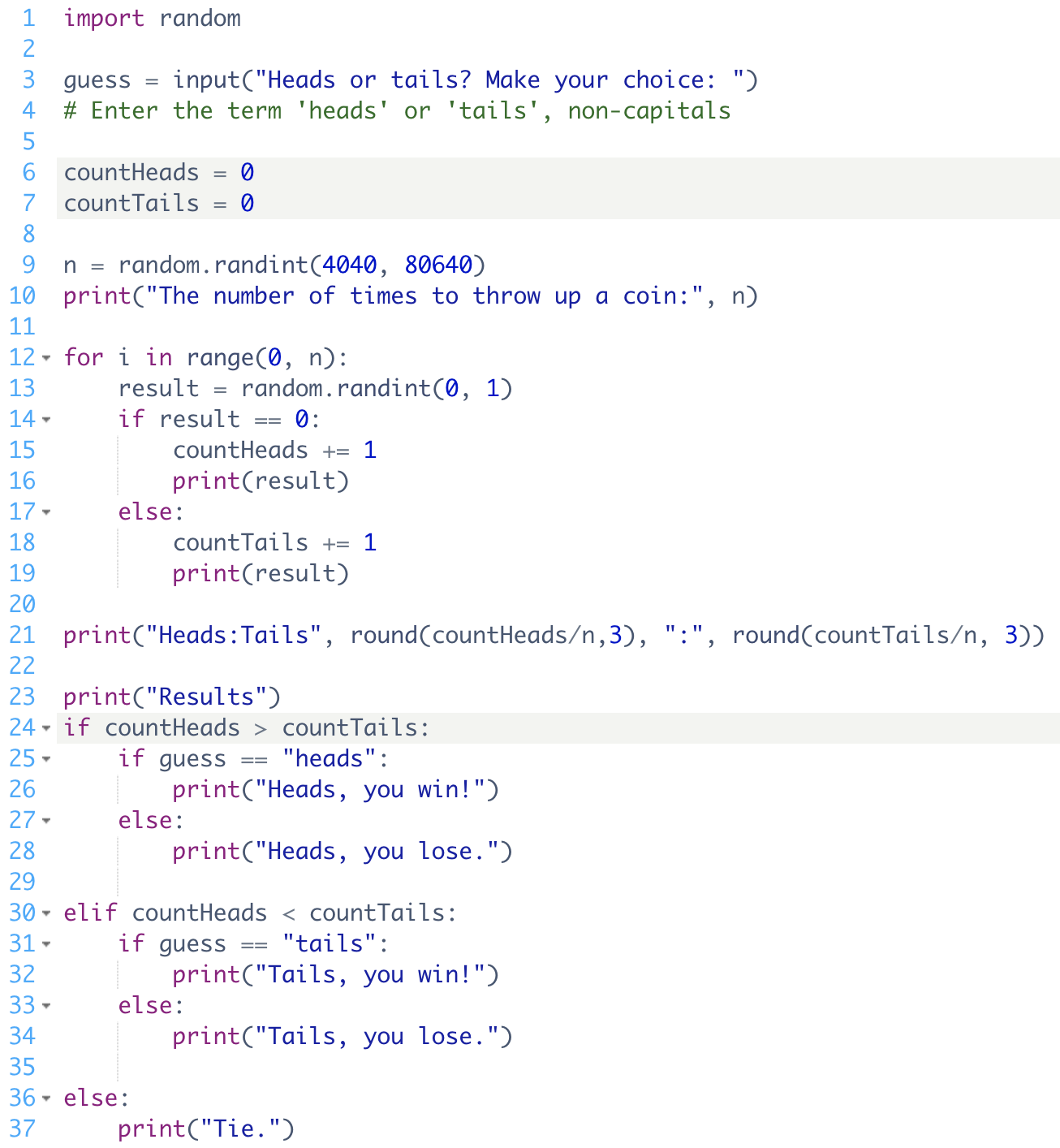
Instruct students to modify the example program by completing the task below:
Task 1: Add a line of code to calculate the probabilities of getting heads and tails.
Ex: print(“Heads:Tails”, round(countheads/n, 2), “:”, round(counttails/n, 2))
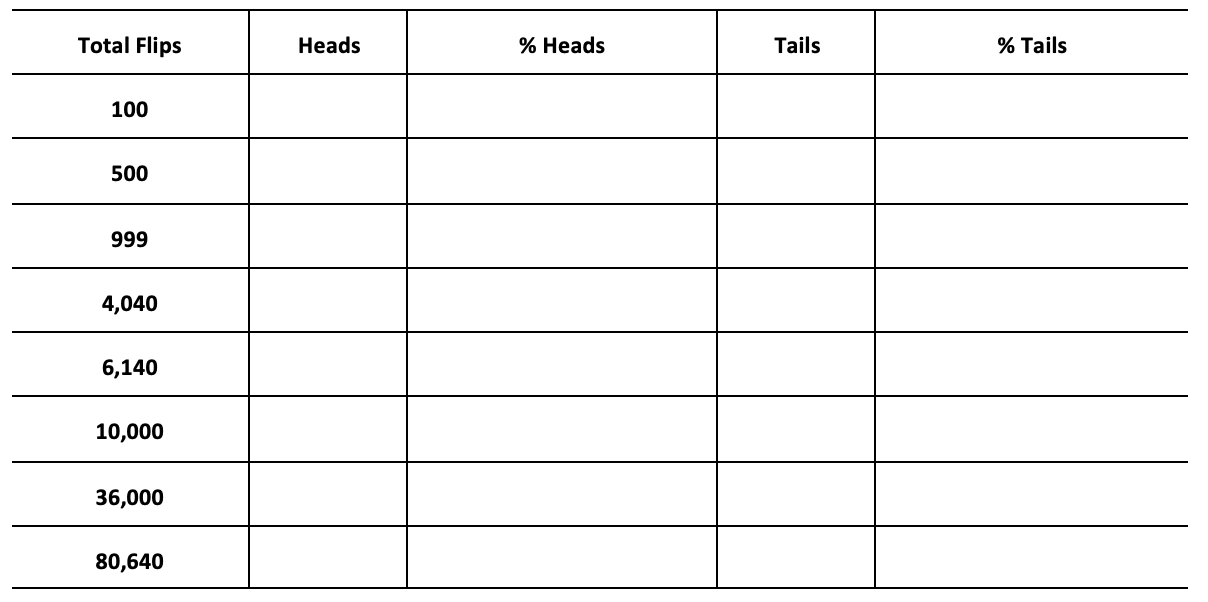
Task 2: Change the number of the toss into a random number generated from the range between 4040 and 80640.
Task 3: Guess on the toss of the coin. Modify the example program to ask the user to input their guess before the coin-tossing experiment. Report the probability result and the guessing result.
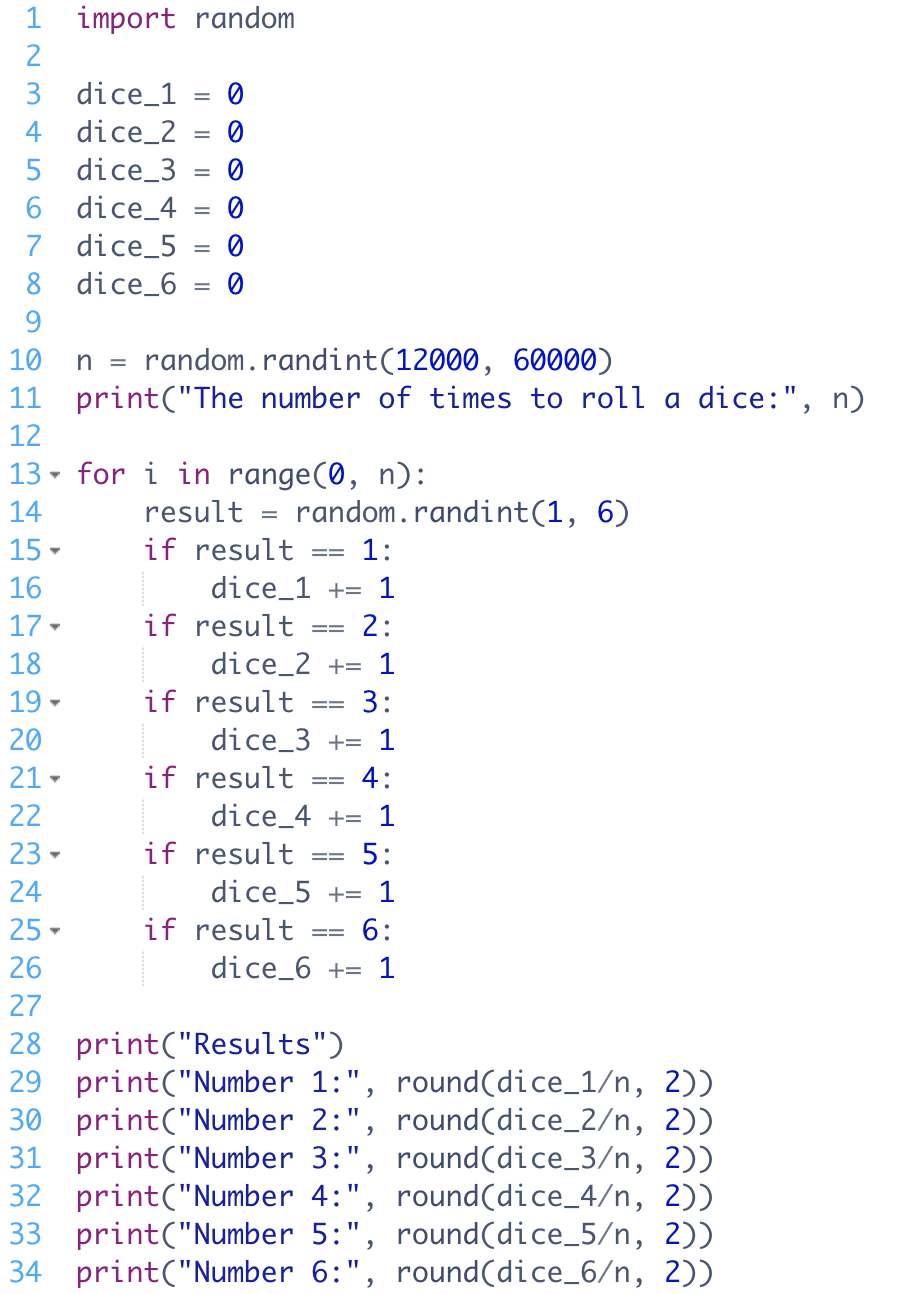
Task 4: Suppose the program is to model the dice-rolling process, how should you edit the code?
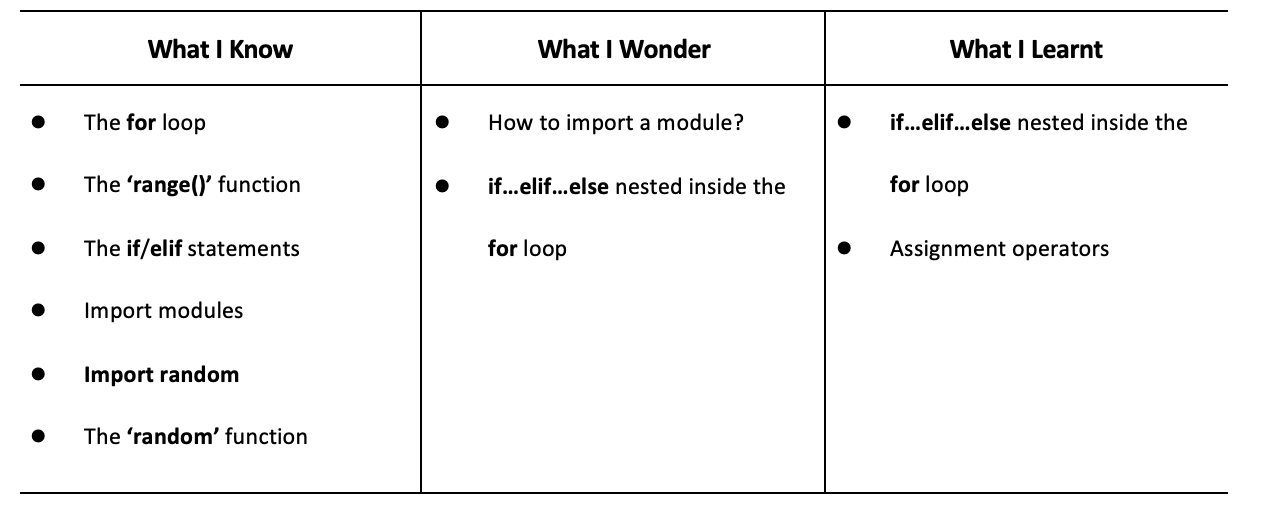
Have students fill out the K-W-L chart
Remind students to always comment their code, regardless of the simplicity
Instruct students to compare and sum up the numbers of probabilities in the coin-tossing experiment and dice rolling experiment. Summarize the findings through these two probability experiments.
Create a guessing game. At the start of the game the user gets 5 turns. Every turn the user will either use a dice or a coin. For every correct coin toss they get one point and for every correct dice role they get 5 points.
1. Review the assignment operator ‘+=’
2. The different function used (random() and round())
3. The accuracy of the random() function and how it varies with increased ranges
Algebra
C2.1 use coding to demonstrate an understanding of algebraic concepts including variables, parameters, equations, and inequalities
C2.2 create code by decomposing situations into computational steps in order to represent mathematical concepts and relationships, and to solve problems
C2.3 read code to predict its outcome, and alter code to adjust constraints, parameters, and outcomes to represent a similar or new mathematical situation
B1: ICS20 Arithmetic Operations
B1.1 use correct terminology to describe programming concepts;
B1.2 describe the types of data that computers can process and store
B1.4 determine the expressions and instructions to use in a programming statement, taking into account the order of operations
B1.5 identify situations in which decision and looping structures are required;
B1.6 describe the function of Boolean operators
B2: Writing Programs
B2.1 use a visual problem-solving model to plan the content of a program;
B2.2 use variables, expressions, and assignment statements to store and manipulate numbers and text in a program
B2.3 write keyboard input and screen output statements that conform to program specifications;
B2.4 write a program that includes a decision structure for two or more choices
B2.5 write programs that use looping structures effectively
B3: Code Maintenance
B3.1 write clear and maintainable code using proper programming standards
B3.3 use a tracing technique to understand program flow and to identify and correct logic and run-time errors in a computer program;
B3.4 demonstrate the ability to validate a computer program using test cases.