
Loading…
Loading…
In this lesson, students are introduced to the fundamental data types in Python used to store and manage data, including Strings, Integers, and Floating-Point Numbers. Students will explore how the Python editor reads the input data and converts the data into different data types. This is known as Type Casting. Students will also learn how to use the ‘type()’ function to identify the data type of the input information and data.
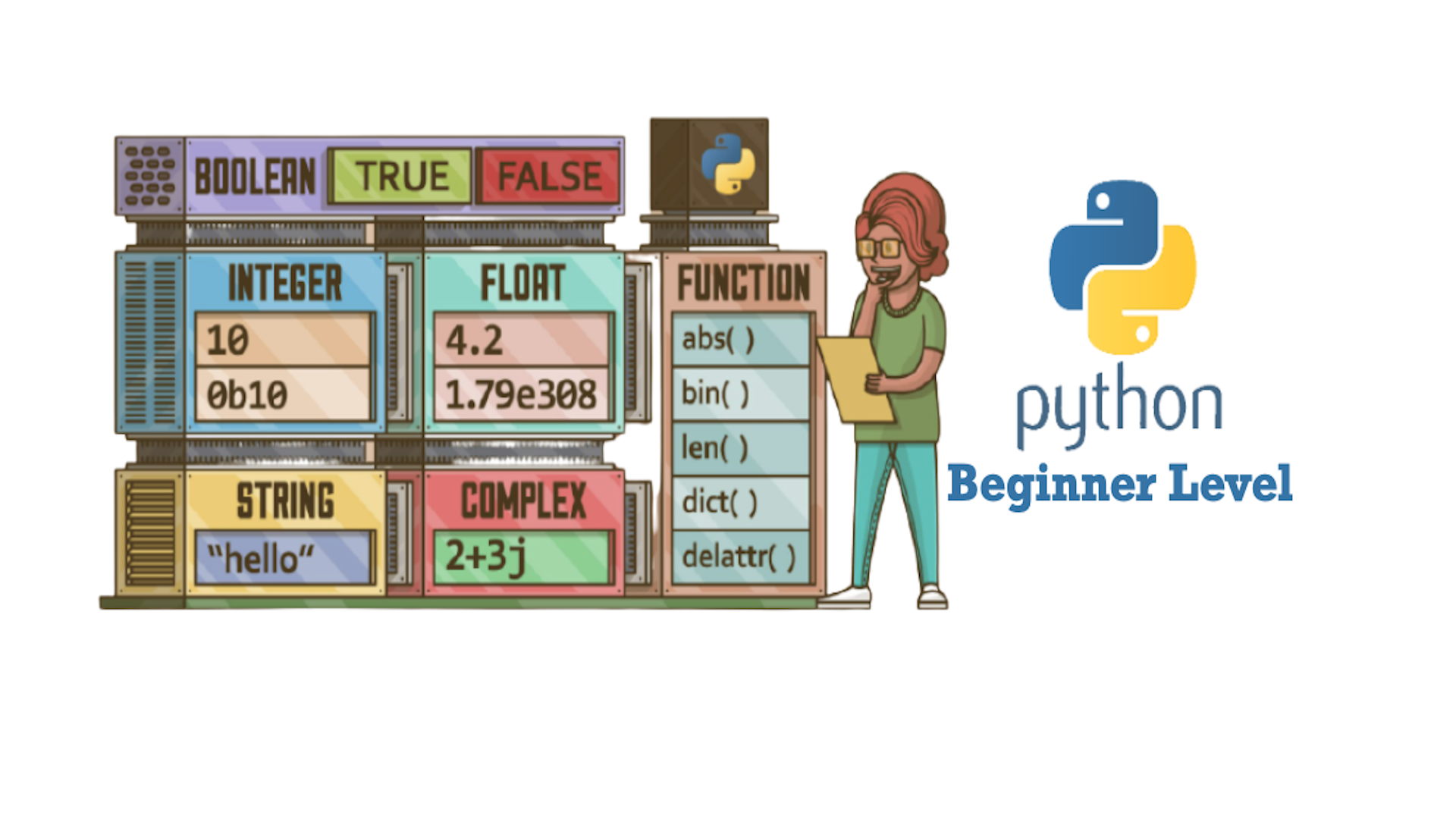
In this lesson, students are introduced to the fundamental data types in Python used to store and manage data, including Strings, Integers, and Floating-Point Numbers. Students will explore how the Python editor reads the input data and converts the data into different data types. This is known as Type Casting. Students will also learn how to use the ‘type()’ function to identify the data type of the input information and data.
Python Data Types
Data type conversion (type casting) type() function which returns the data type input() function that takes user input
Welcome to this Python Coding lesson! Before you begin, take a few moments to let us know your thoughts or feedback on how we can improve this lesson in order to better enhance the learning experience that is delivered in your classroom!
Click here or follow the form below to complete the feedback survey once you've completed this lesson. Thank you!
This lesson will introduce some of the fundamental data types in Python used to store and manage data, including Strings, Integers, and Floating-Point Numbers.
Students will explore how the Python editor reads the input data and converts the data into different data types. This is known as Type Casting.
Students will also learn how to use the ‘type()’ function to identify the data type of the input information and data.
Students should have a laptop or device with mBlock 5 installed (desktop version or cloud-based version) and mBlock Python editor (mLink) installed. Click here to download the Python editor (mLink).
Worksheet: Lesson 2 Text & Numbers in Python
Example Program: Lesson 2 Text & Numbers in Python
1. Let's begin by familiarizing ourselves with the different data types used in this lesson (Integers, Strings, and Floats)
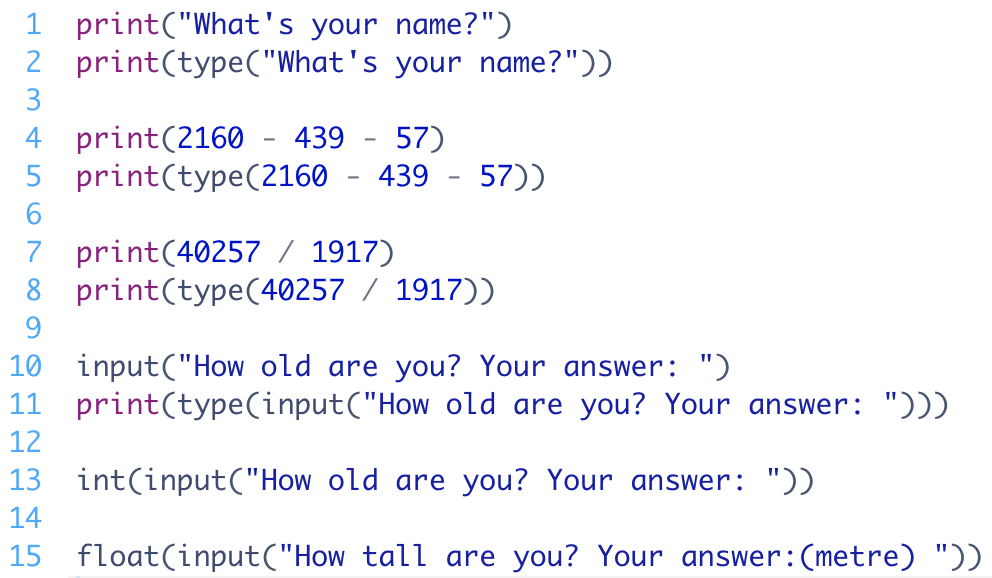
2. Have students look at the example program below and try to identify the data types (what will be outputted onto the console)
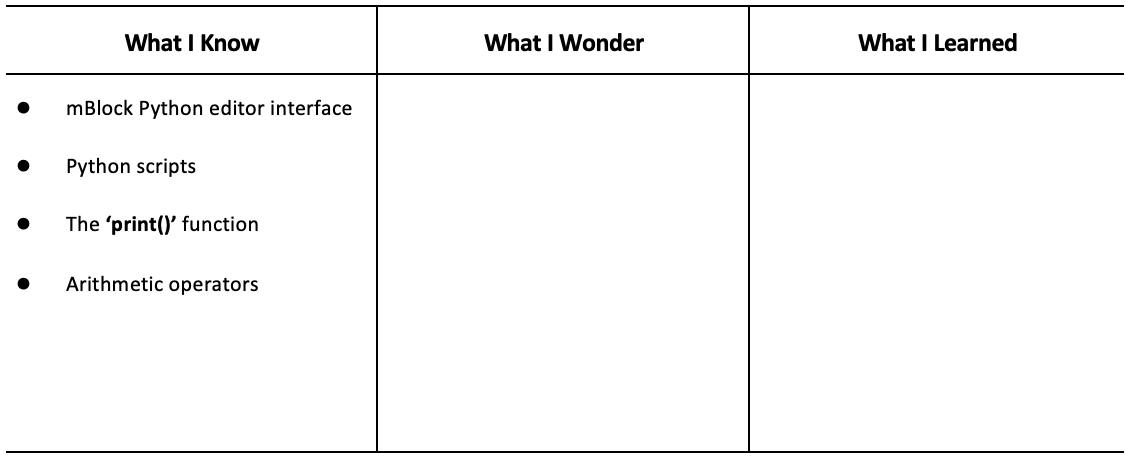
3. Have students fill out the ‘What I Know’ column of the K-W-L chart before the class.
1. When you open the editor for the first time you will see these explanations mapping the interface. Encourage students to thoroughly read through it. Below are the screen captures if you ever need to reference them again.
Figure 1: To connect your CyperPi
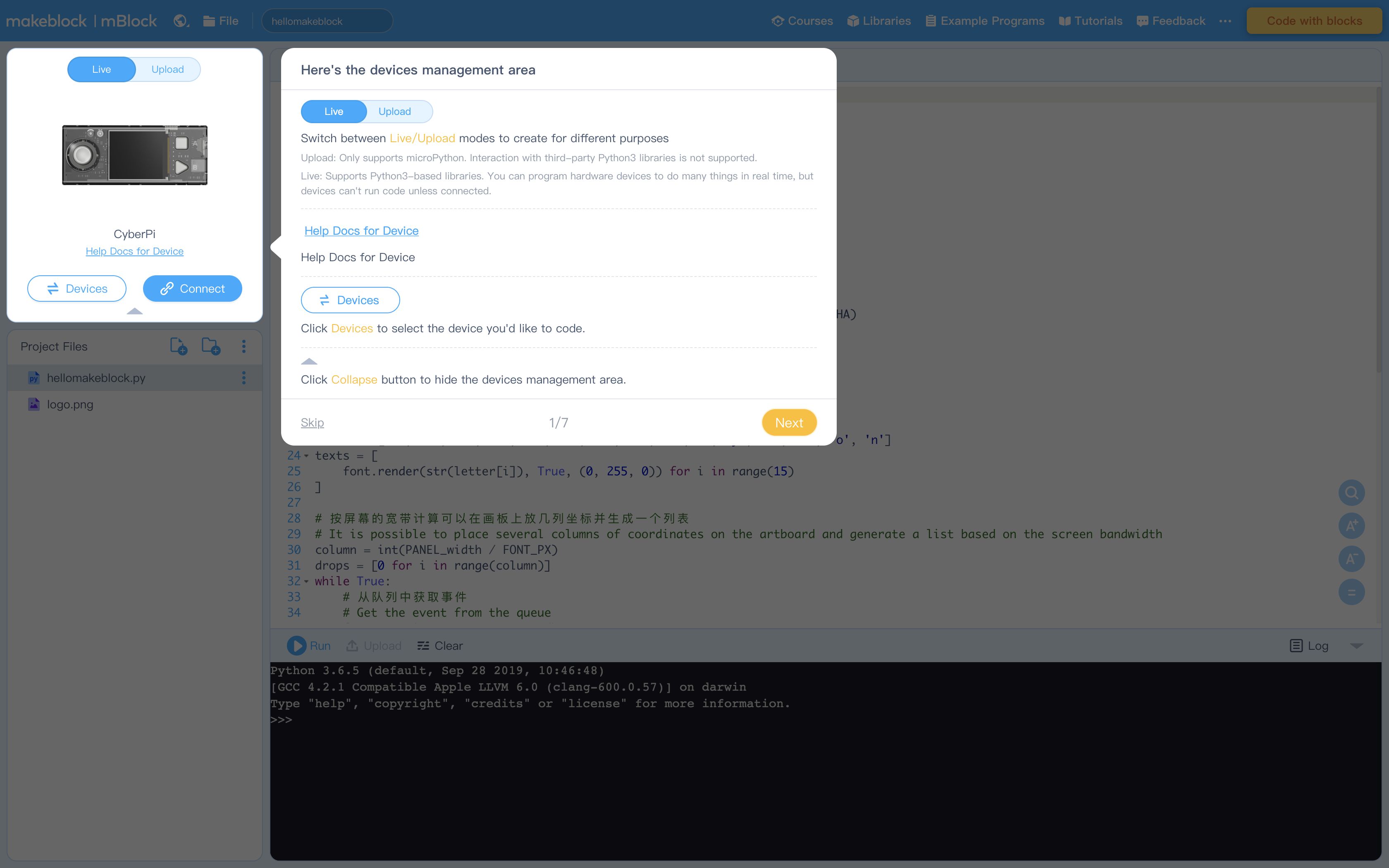
Figure 2: Creating Projects and Project files (see How to Create, Open, Import, or Export Project Files)
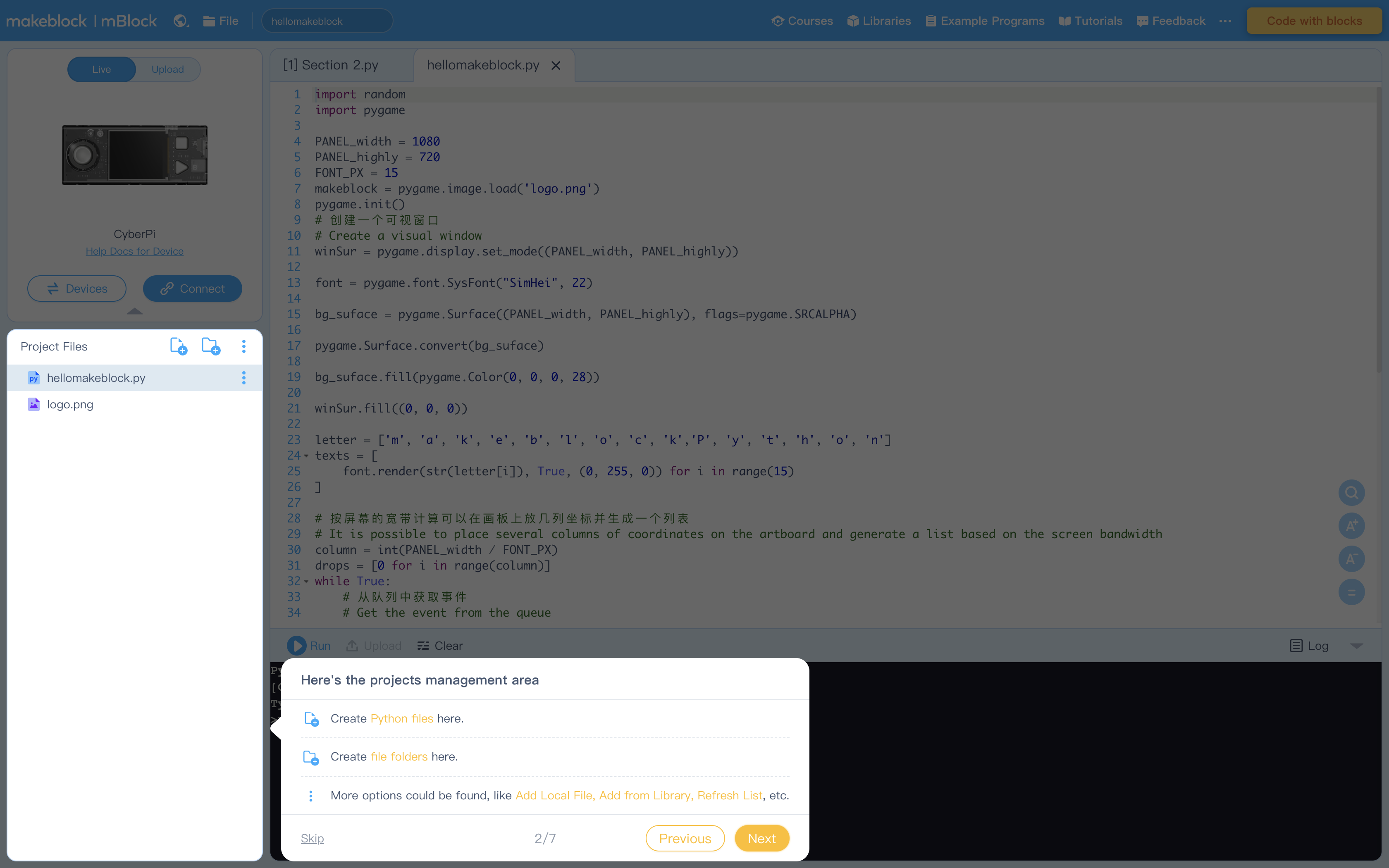
Figure 3: Editing Area
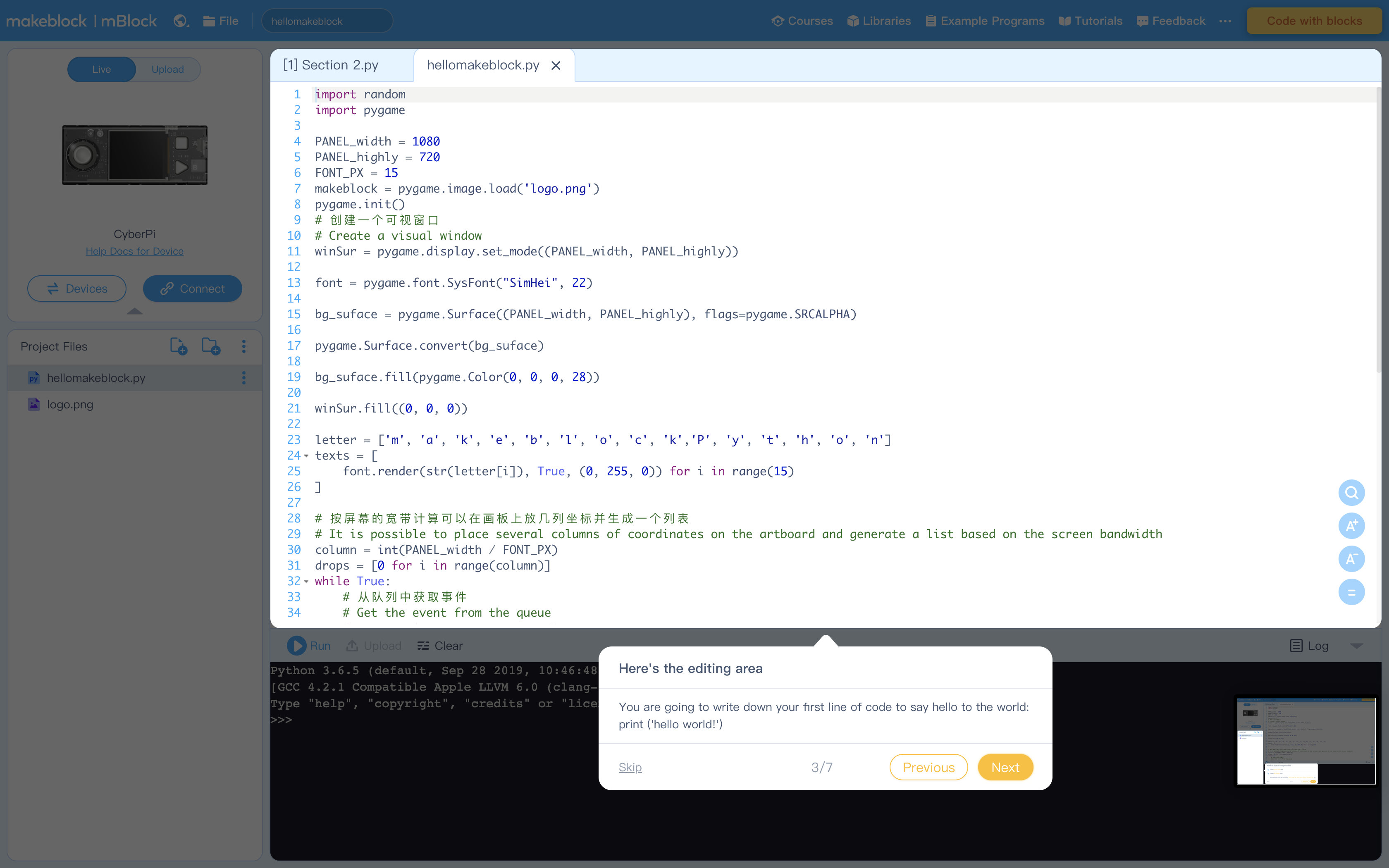
Figure 4: Console Commands to run code and more
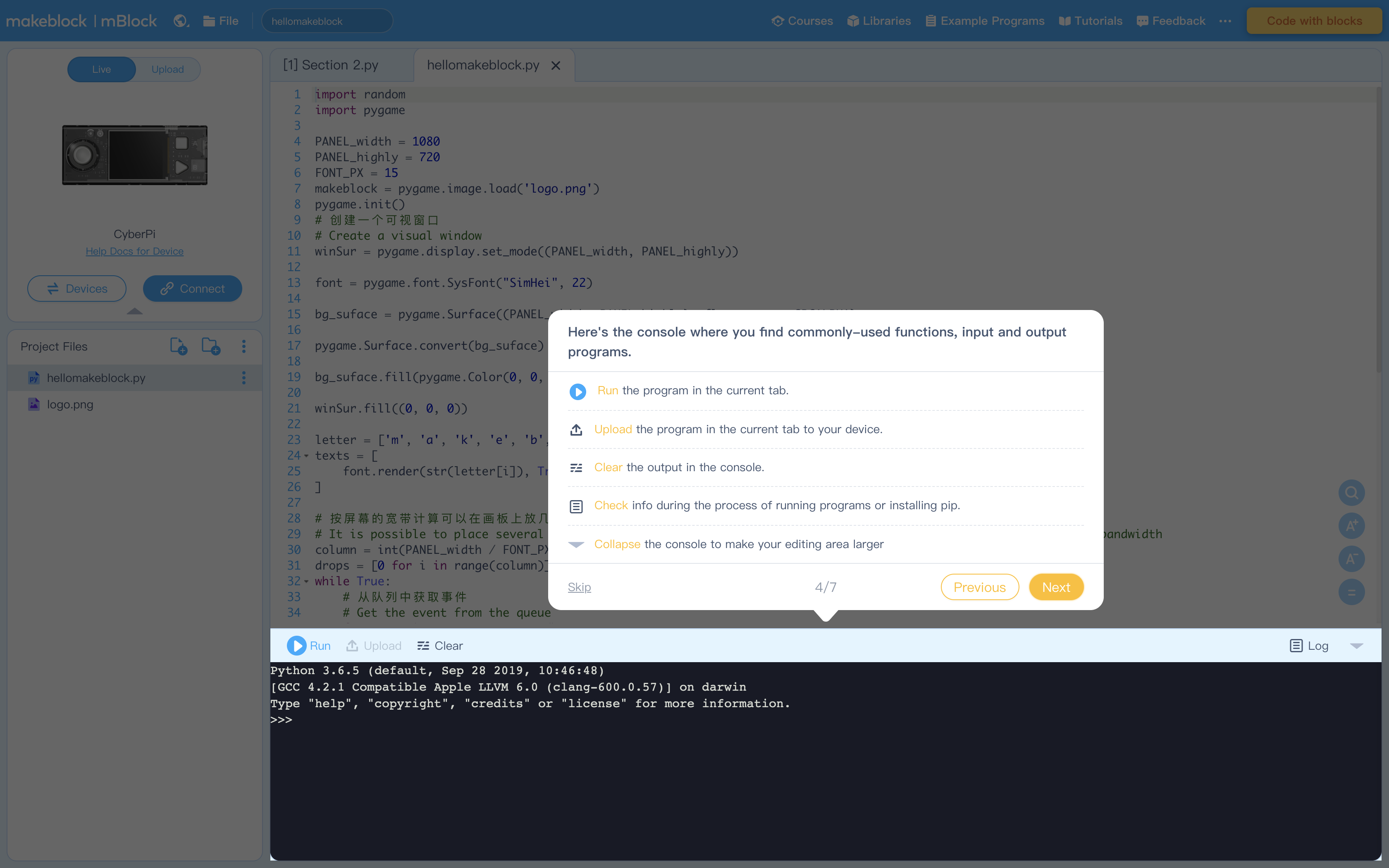
Figure 5: Terminal (Console) to display output from Editing Area
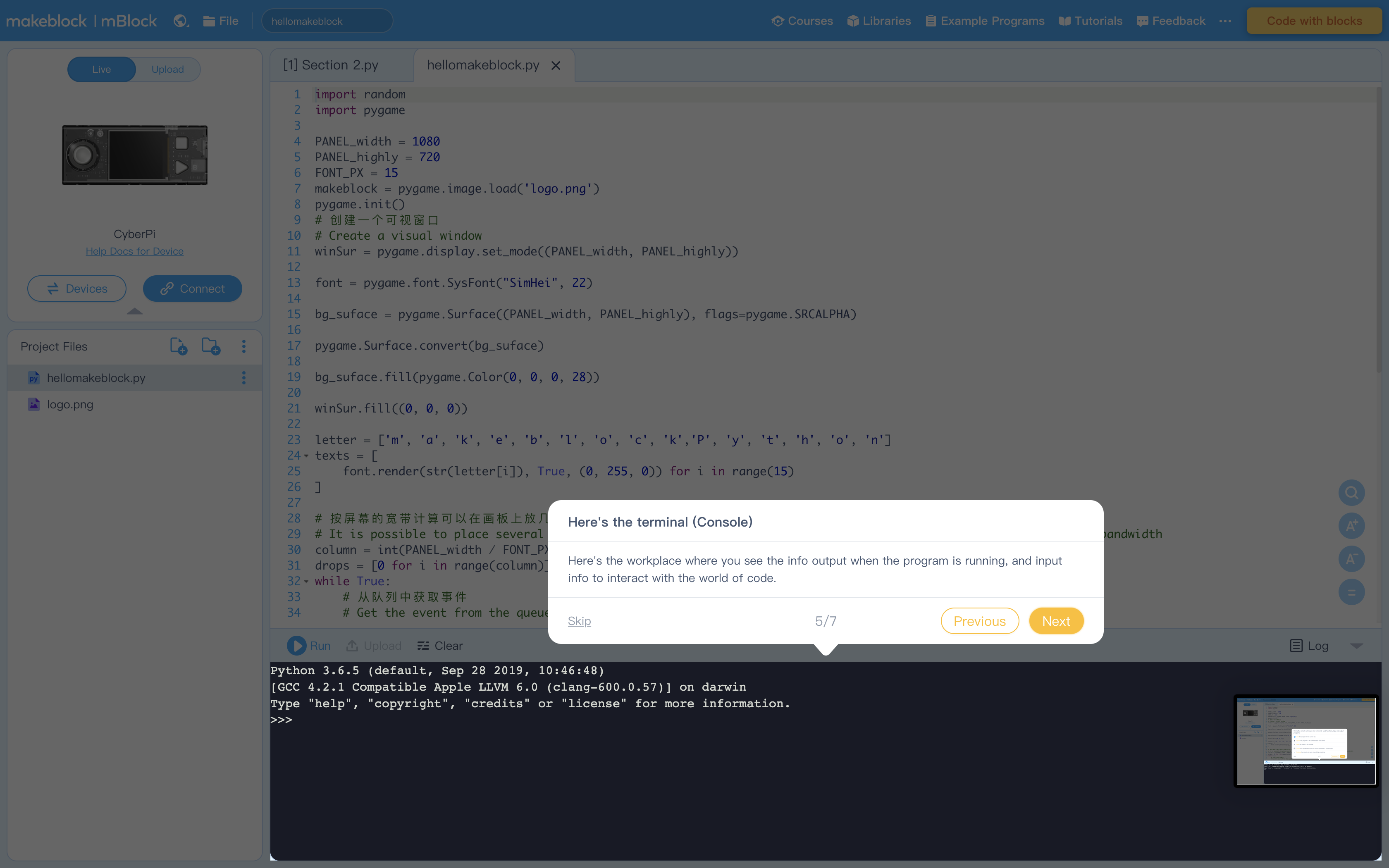
Figure 6: Libraries containing example program. Feel free to explore these at your leisure
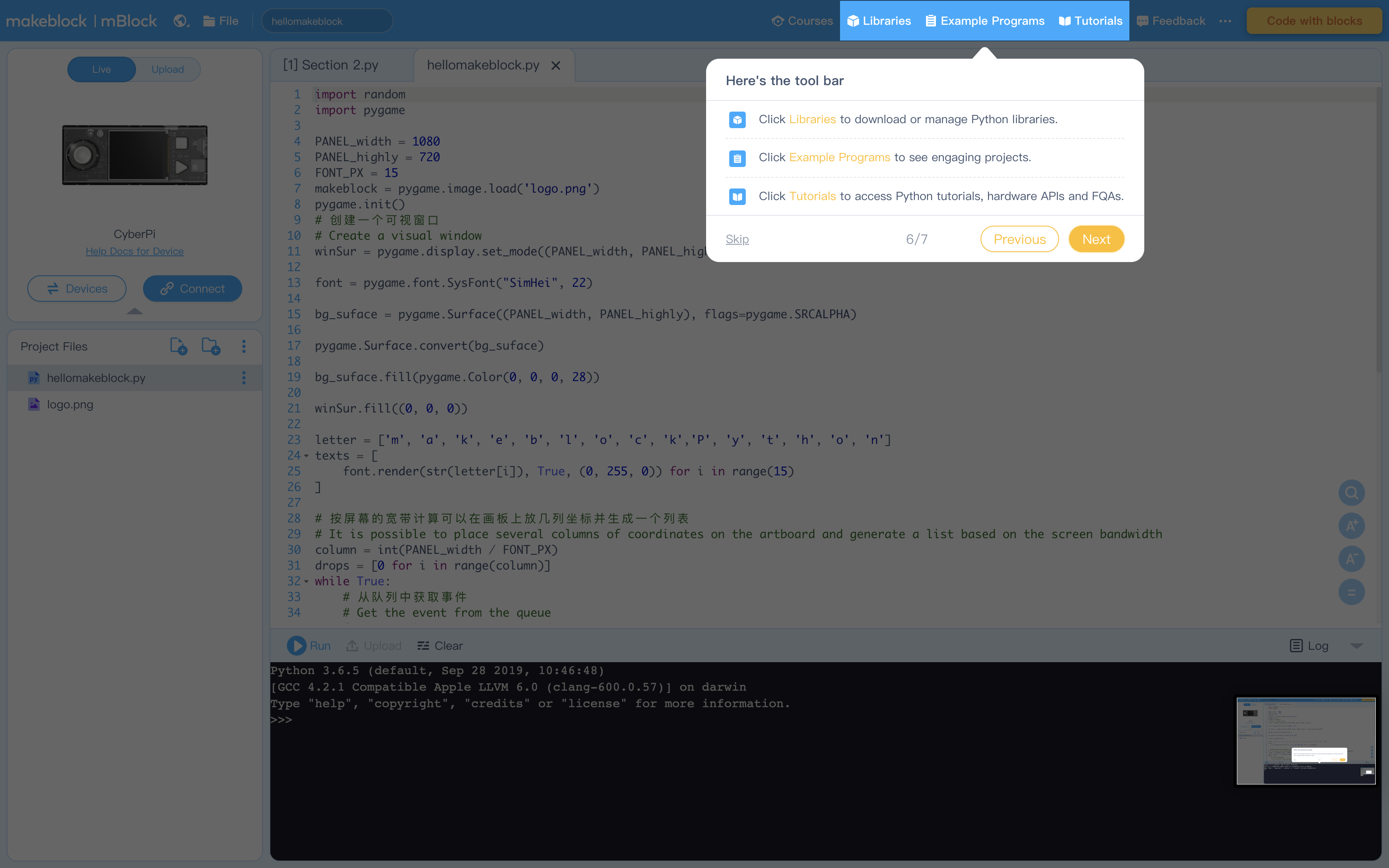
Figure 7: Click "Tutorials" to view these helpful instructions anytime
1. Ask students to reflect upon what they have learned about the mBlock Python editor and the Python programming language.
2. Instruct students to use the ‘print()’ function and write the code in one line (or several lines). Ask them to write down what they think Python can do – for example, ‘Python can add, subtract, multiply, and divide numbers’ or ‘Python can read my sentences’.
1. Instruct students to compare the following two lines of code and figure out the difference between them:
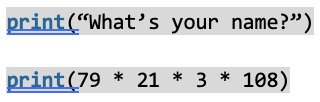
2. Say: In the previous lesson, we used the ‘print()’ function to write sentences and do calculations. This function can handle both text and numbers.
3. Explain: If the ‘print()’ function handles text, it should contain a pair of double or single quotes; if it processes numerical data, there is no need to add the quotes.
4. Introduce the ‘type()’ function and instruct students to identify the data type by using the ‘type()’ function.
5. Show them the .py file titled "Activity 3"
6. Explain: The ‘type()’ function can identify the data type of a line of code. For example, the text ‘What’s your name?’ is a string.
7. In Python, division of two integers will produce a floating-point number. Although 40257 divided by 1917 equals 21 which is an integer, in Python it returns the value ’21.0’.
8. Instruct students to convert the floating-point number into an integer as such. This is known as Type Casting:

1. Have students complete the Task 1 on the worksheet individually.
2. Once completed have them compare answers with a partner
1. Have students code Task 2 from their worksheet into the Python editor
2. Ask: There is a new function, can you find it? Guess what this function is used for and how it works in the program.
3. Introduce the use of the ‘input()’ function
4. Explain: The new function is ‘input()’. It can read the information a user inputs in a line and store the information for processing.
5. Ask: Before you run the program, guess the data type of the results from the three statements. How will the ‘input()’ function handle the input information? Will the ‘input()’ function convert the data type of the input data? Write down your predictions and then test your assumption.
6. Ask students to convert the three statements into the data type they expect
1. Have students code Task 3 from their worksheet into the Python editor
2. Instruct students to add the ‘int()’ or ‘float()’ into the original code and convert the data type of the inputs.
Note: A postal code or street number for example can be a string, as we do not use it to do calculations. The daily temperature should be converted into the floating-point number if we want to calculate the average temperature by dividing the sum of measured temperatures by the number of measurements.
3. Ask students to express their opinions and explain the reasons.
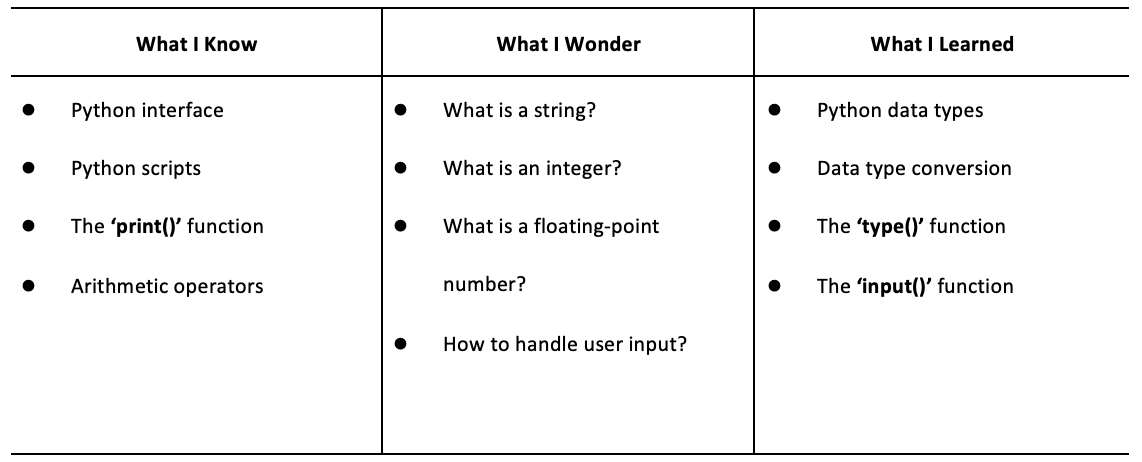
Have students fill out the K-W-L chart
Have students create their own program similar to Task 3. The program should ask the user for their student number, name, grade, and height. Students should type cast the input to what they think is appropriate and explain.
1. Review the three data types learned in this lesson: the string, the integer, and the floating-point number. Review the ‘type()’ function that can identify the data type.
2. Review the conversion method and syntaxes: int(), float(), [and str()].
3. Review the use of the ‘input()’ function that can read and store the input information from the user.
Algebra
C2.1 use coding to demonstrate an understanding of algebraic concepts including variables, parameters, equations, and inequalities
C2.2 create code by decomposing situations into computational steps in order to represent mathematical concepts and relationships, and to solve problems
C2.3 read code to predict its outcome, and alter code to adjust constraints, parameters, and outcomes to represent a similar or new mathematical situation
B1: ICS20 Arithmetic Operations
B1.1 use correct terminology to describe programming concepts;
B1.2 describe the types of data that computers can process and store
B3: Code Maintenance
B3.1 write clear and maintainable code using proper programming standards